

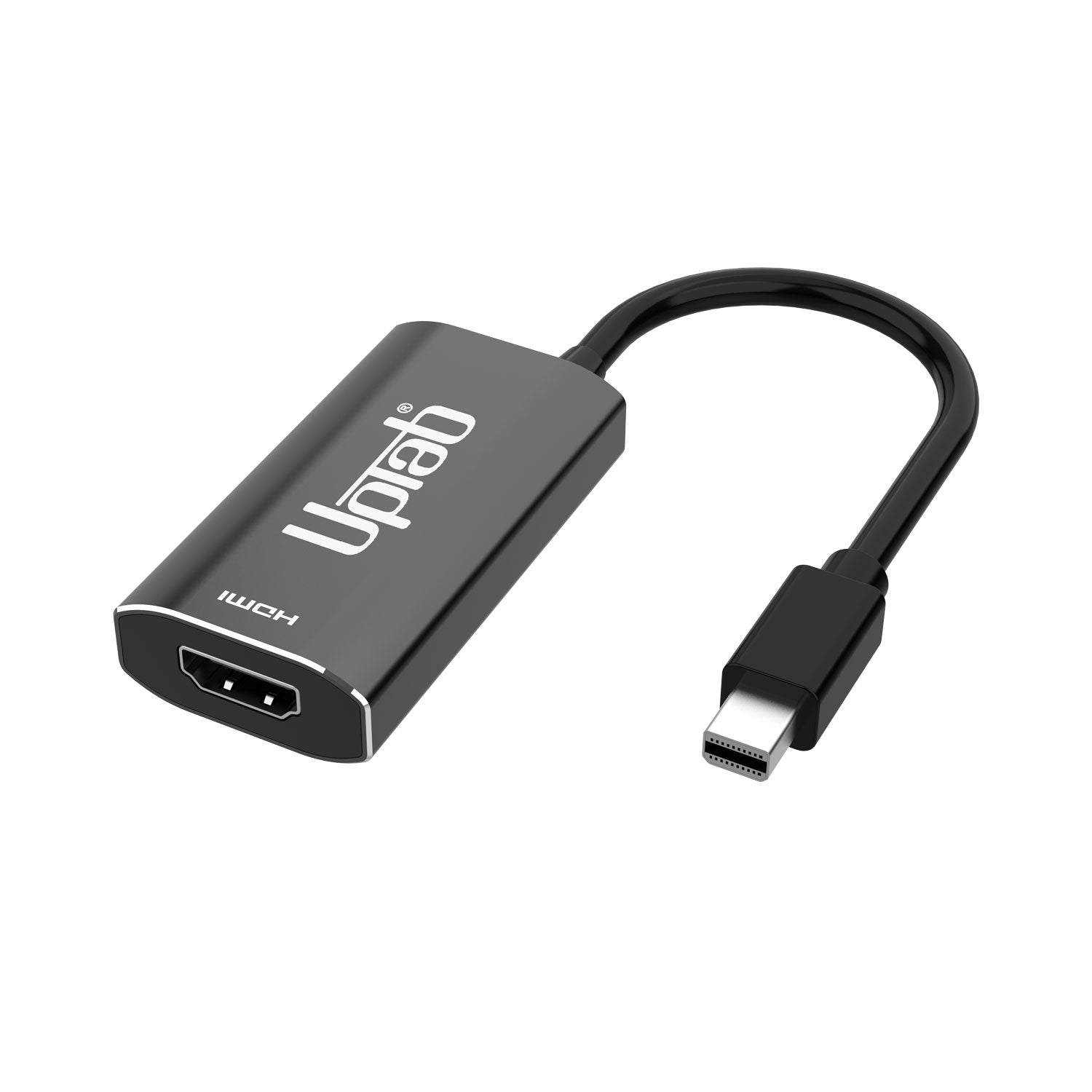
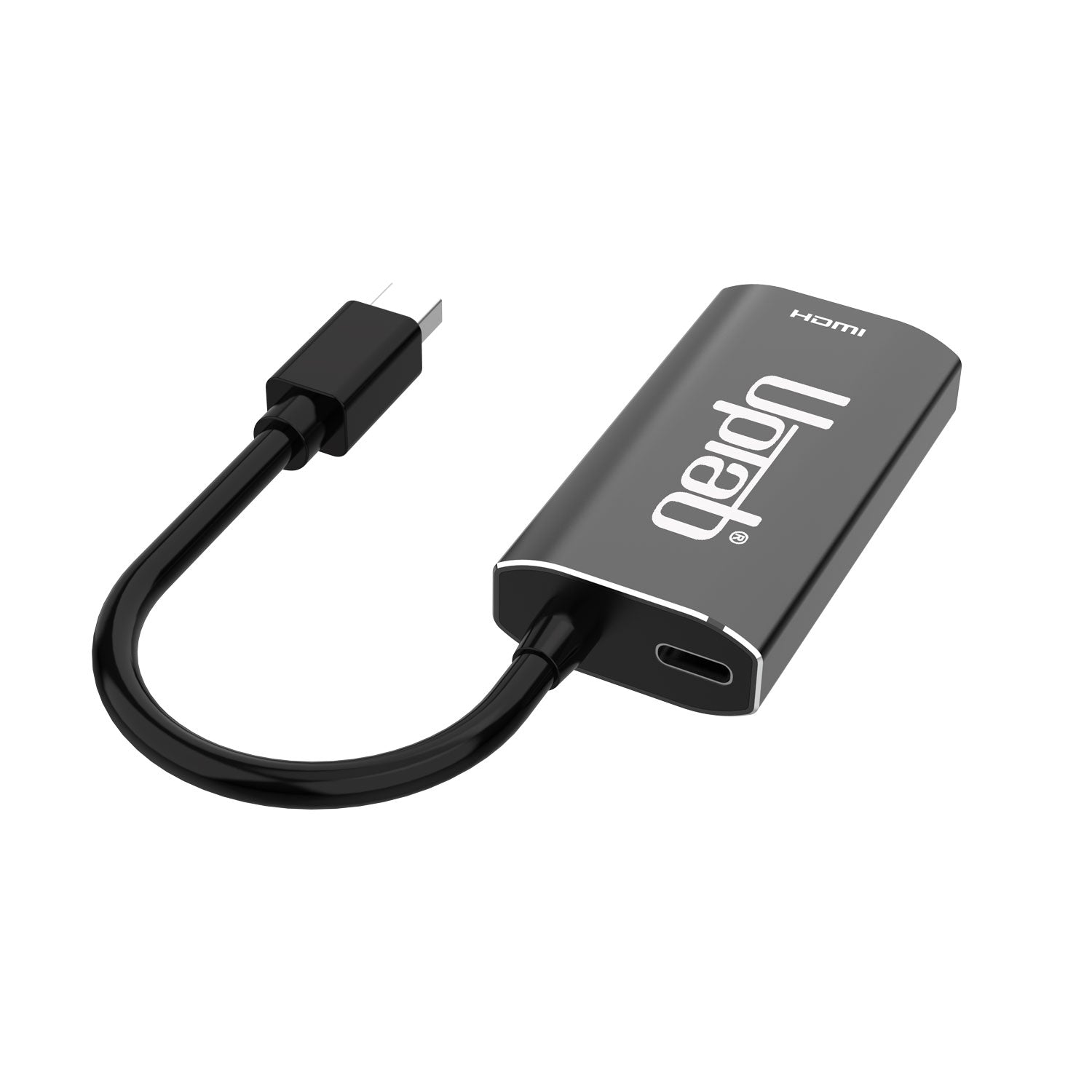
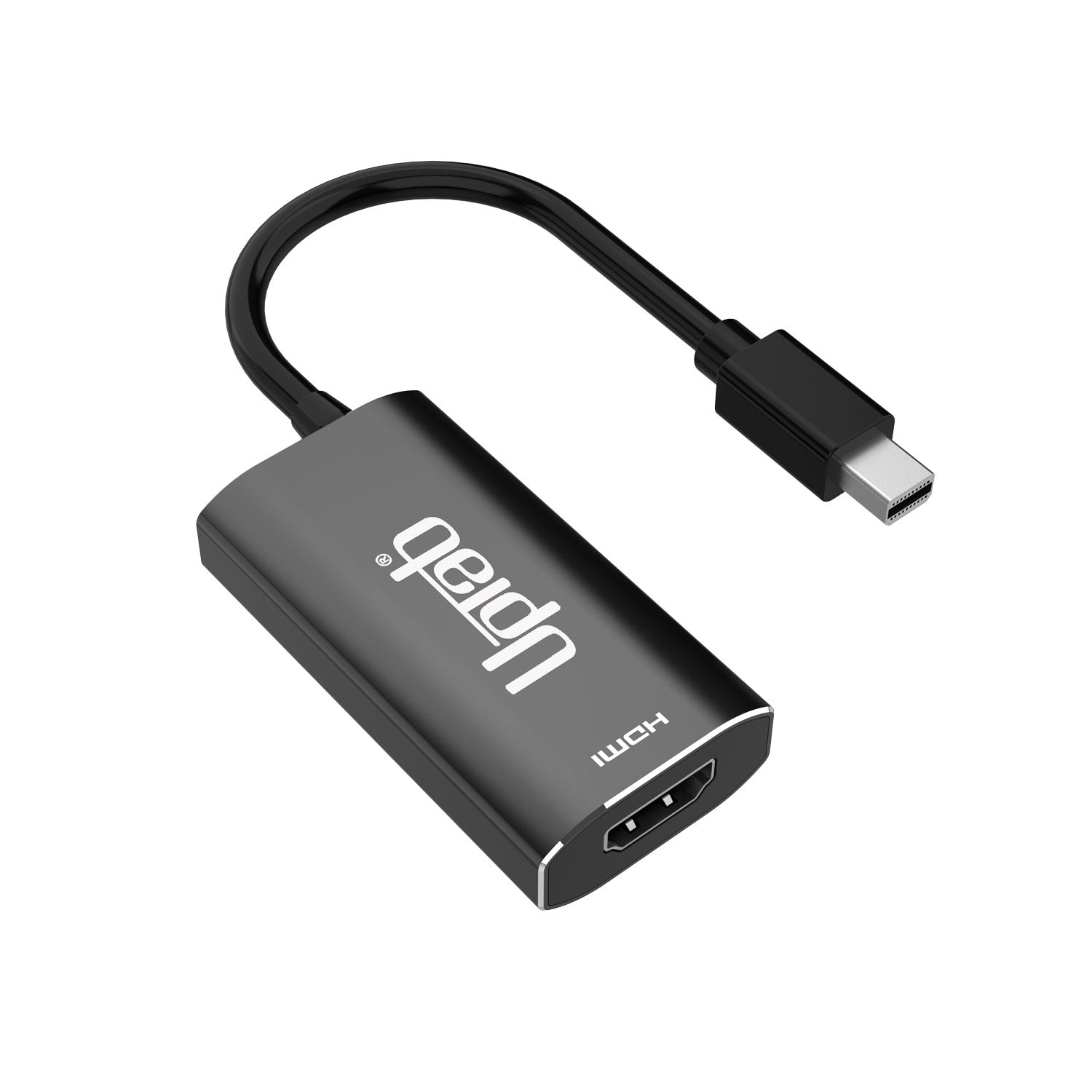
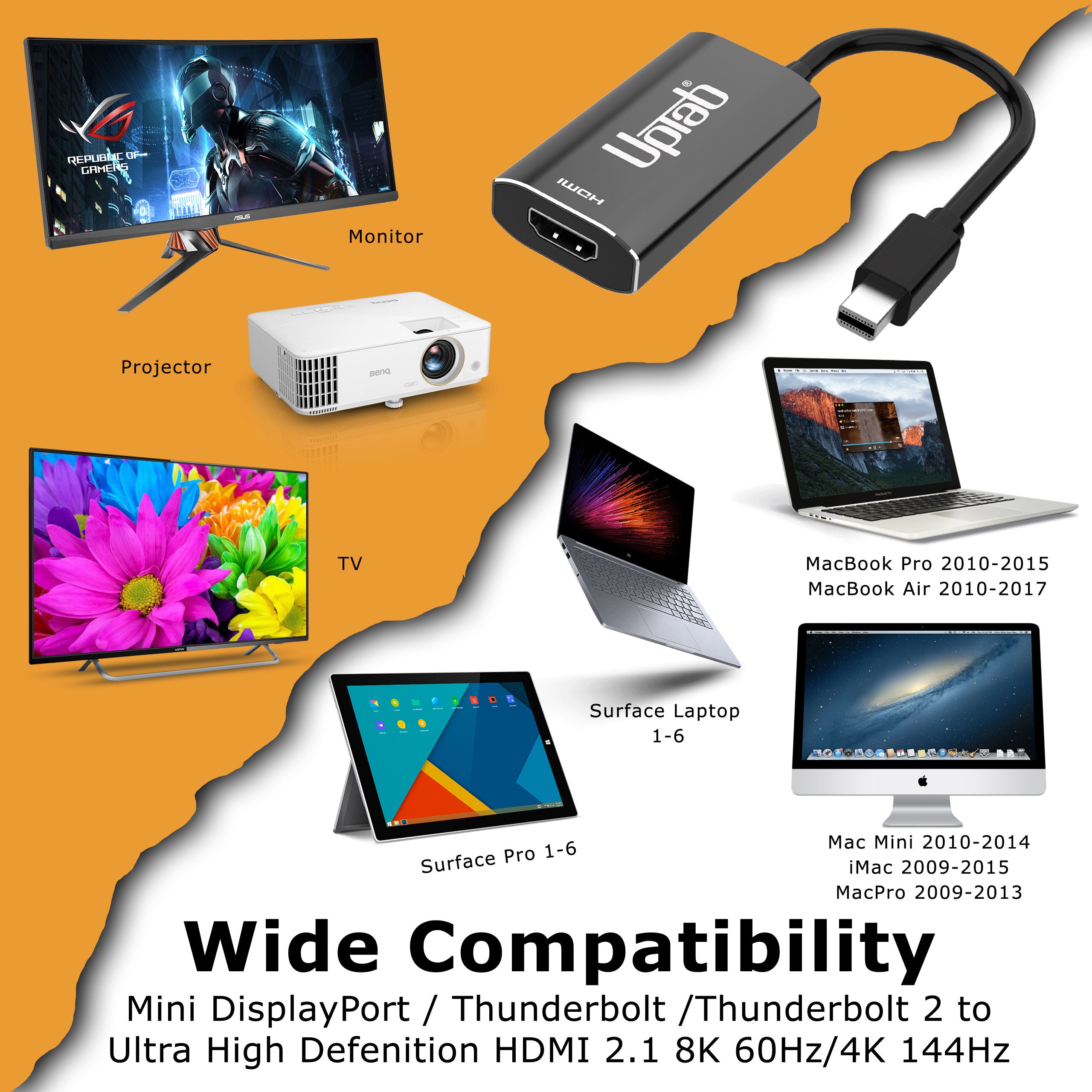
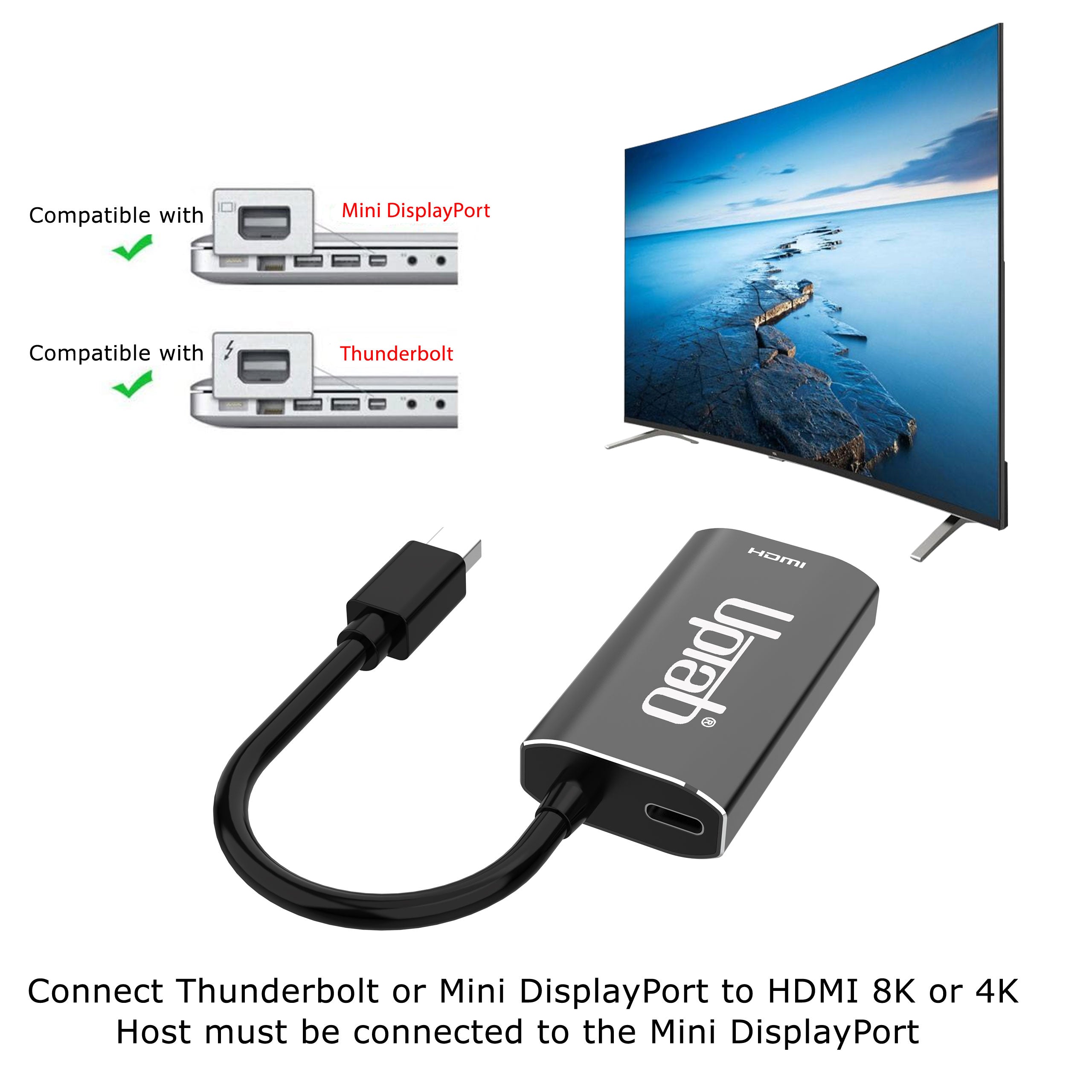
Mini DisplayPort 1.4 to HDMI 2.1 8K Adapter
About this item
Pairs well with
SAME DAY SHIPPING order by 11 AM (EST)
Free Shipping Orders Over $50
Technical Support
30 Days Return
1-Year Warranty
Mini DisplayPort 1.4 to HDMI 2.1 8K Adapter
Product details
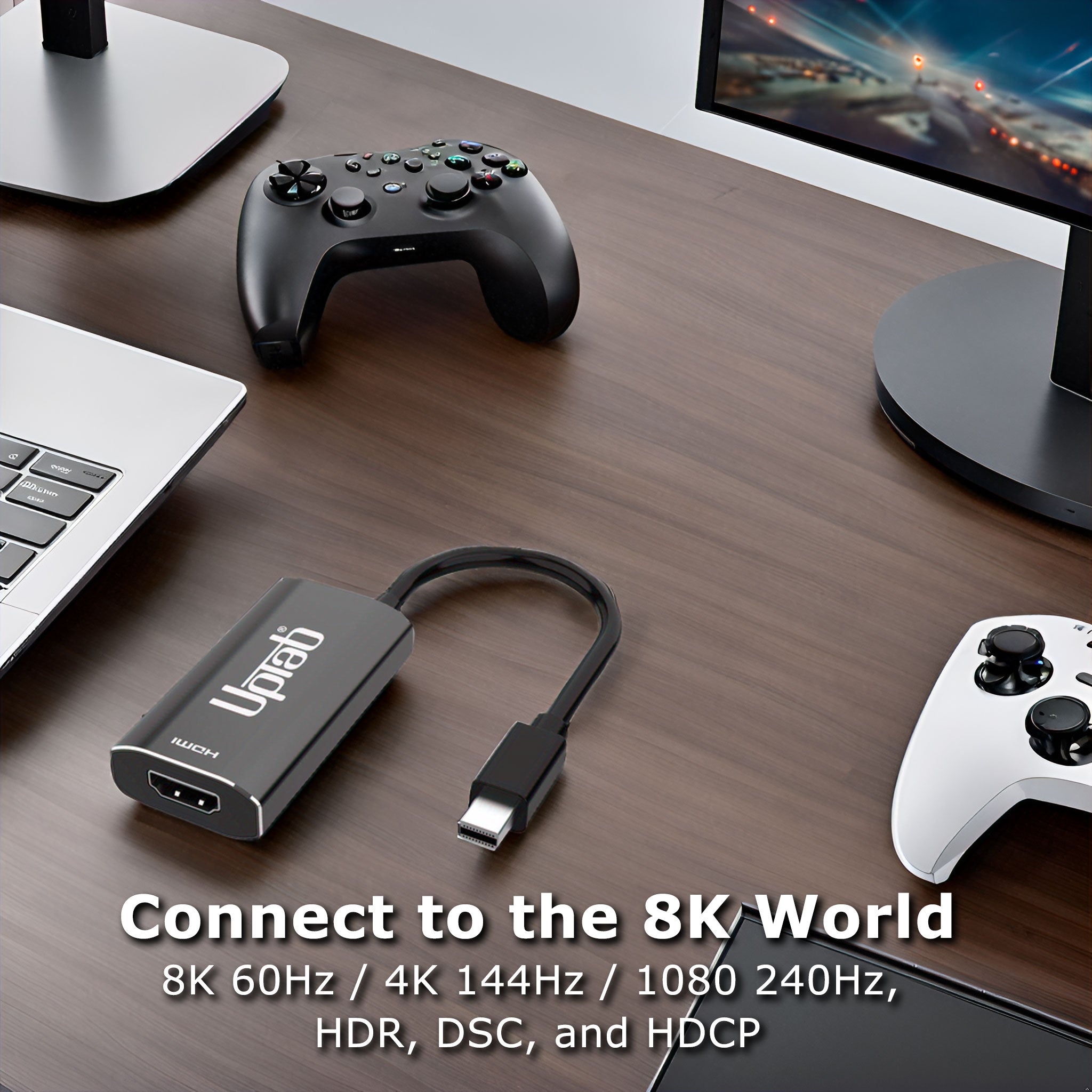
Connect to an HDMI Ultra HD display with High Dynamic Range from a Mini DisplayPort-supported computer using the Mini DisplayPort Active Adapter! Designed specifically for those who enjoy high-level computing, graphics, and gaming. HDMI 2.1 up to 48Gbps allows even smooth 8K video playback, especially when combined with a 60Hz frame rate and HDR, creating lifelike colors and movements, giving users the ultimate visual experience. Converts Mini DisplayPort video signal at up to 8K 7680x4320@60Hz or 4K 4096x2160@120Hz, including 1440p at 240Hz. Best of all, the Mini DisplayPort Active Adapter is extremely easy to use and travel with, thanks to its portable size. The Adapter is powered through a USB Type-C to USB Type-A cable (provided with the product). Last but not least, the Mini DisplayPort Active Adapter supports a 4:4:4 color format, ensuring true RGB vibrant colors, as well as HDR without typical visual color degradation. Audio isn't a concern either, with the transmission of up to 8-channel audio for immersive sound.
NVIDIA RTX: TITAN RTX, RTX 20X0, RTX 30X0 RTX 40X0, and RTX 50X0
NVIDIA Quadro: K1200, P600, P620, P1000, P2000, P4000, M4000, RTX8000, RTX6000, RTX5000, RTX4000, RTX3000 MOBILE
Intel 11-14 Based Gen: Alder Lake, Tiger Lake, Ice Lake, Iris Plus Graphics, UHD Graphics
For 8K@60Hz and 4K@120Hz GPU with DSC 1.2 is required.
Highlights:
- Ideal for gamers and other high-level computing requirements
- Supports 4:4:4 color format with clear RGB colors
- Up to 8-channel audio
- HDMI 2.1 throughout up to 48Gbps
- Small, portable design
- Multi-shielded cable with aluminum body
- Converts Mini DisplayPort video signal at up to UHD 8K 7680x4320@60Hz or 4K 4096x2160@120Hz, including 1440p at 120Hz
General:
- VESA Mini DisplayPort (mDP) v1.4 compliant receiver
- HDMI specification v2.1 compliant transmitter, data rate up to FRL mode up to 12-Gbps per channel and TMDS mode up to 6-Gbps.
- Embedded MCU
- Embedded EDID
- Support both HDCP1.4 & HDCP2.3 with on-chip keys to support HDCP repeater.
- Support RGB 4:4:4 8/10bit bpc and YCbCr 4:4:4 , 4:2:2 ,4:2:0 8/10-bit bpc
- Support DSC v1.2a decoder and pass-through mode
- Support max. resolution/timing up to 8K@60p / 4K@120Hz
- Support 3D stereo video format transport
- Support Color Space Conversion
- Support LPCM audio format with max audio sample rate up to 8-channel 192KHz
- Support HBR audio format up to 2-channel 768KHz
- Support 3D audio format up to 16-channel 96KHz
- Support CEC over the AUX channel
- Support High Dynamic Range (HDR-10)
- Support VESA Monitor Control Command Set (MCCS)
- Support CEC over the AUX channel
- Operational Temperature up to 70 °C/158F
Technical Specifications:
- Input: Mini DisplayPort Male (mDP) v1.4 compliant (Thunderbolt 2)
- Support 1/2/4 lanes up to HBR3 (8.1-Gbps) input
- Built-in high-performance adaptive equalizer
- Support 1-MHz AUX channel
- Support DSC v1.2a and be backward compatible with the former versions
- Support DSC decoder and pass-through mode
- Support max. resolution/timing up to 8K@60p / 4K@120Hz
- Support CEC over the AUX channel
- Support LPCM audio format with max audio sample rate up to 8-channel 192KHz
- Support HBR audio format up to 2-channel 768KHz
- Support 3D audio format up to 16-channel 96KHz
- Output: HDMI 2.1 Female; An Ultra High Speed HDMI 2.1 cable (sold separately) is required
- Support maximum resolution/timing up to 8K@60p / 4K@120Hz
- HDMI 2.1 compliant transmitter, data rate up to FRL mode up to 12-Gbps per channel and TMDS mode up to 6-Gbps.
- LPCM and Compressed Audio encoding formats
- Support LPCM audio format with max audio sample rate up to 8-channel 192KHz
- Support HBR audio format up to 2-channel 768KHz
- Support 3D audio format up to 16-channel 96KHz. Support DSC v1.2a and backward compatible with the former version
- Support DSC pass-through mode
- Audio stream handling
In The Box:
- 1x UPTab Mini DisplayPort 1.4 to HDMI 2.1 4K/120Hz HDR Active Adapter
- 1x USB to Micro USB 40" (1m) Cable
- 1 Year Warranty
Quick Guide:
- Can only convert the signal from Mini DisplayPort to HDMI. This is not a bi-directional adapter
- Connect multiple monitors using NVIDIA™ Surround technology (one adapter per monitor)
- Depress the button on the Mini DisplayPort connector to release the latches and avoid damage when unplugging
- For the HDR function, the source system needs to support Mini DisplayPort 1.4, and the screen needs to have support for HDR and HDMI™ 2.1
Q: I am only getting 4K@60Hz when using the UPTab Active adapter. How can I get 4K @ 120Hz?
There are several different reasons why a 4K display would be limited to 4K@30/60Hz using our adapter. We would recommend first checking:
- The Mini DisplayPort output port must be mDP 1.4 compliant to get 4K @ 120Hz with HDR.
- System specifications to ensure that the internal graphics processor can support 4K @ 60Hz and that the output port on the system/GPU can support 4K @ 60Hz.
- Monitor specifications to ensure that it can support 4K@120Hz from the desired input port. HDMI input ports must be HDMI 2.1-compliant.
- For HDR to function, the source system needs to support Mini DisplayPort 1.4, and the screen needs to have support for HDR and/or HDMI 2.1.
- Ensure that the HDMI cable is HDMI 2.1 Certified.
If both the system's GPU, Mini DisplayPort output port, and the monitor claim support for 4K @ 120Hz, please check the Windows Advanced Display Adapter settings to ensure that 120/60Hz is available and selected from the drop-down list.
If 120Hz is not listed and you are connected to our adapter with an HDMI 2.1 cable, please double-check that the monitor has HDMI 2.1 ports. Additionally, some 4K TVs and monitors must enable an “HDMI 2.1,” an “HDMI UHD Color” or “Ultra HD/UHD Deep Color” (or similar) setting for 4K@120/60Hz to work via HDMI. Please consult the monitor’s manual and check the monitor’s menu settings to see if there is an applicable setting.
UPTab adapter is truly active. Rather than relying upon passing a TMDS signal via Mini DisplayPort’s Dual-Mode, the adapters actively convert the outgoing Mini DisplayPort LVDS packets into the necessary TMDS signaling. With an internal clock rate of up to 594MHz, our adapters support all the “must-have” features of HDMI 2.1, with resolutions up to 4K@120Hz with HDR, stereoscopic 3D support, and higher color depths.
Q: Does the UPTab (MINI4KDISPAY) adapter support AMD Eyefinity setups beyond two monitors?
Yes! AMD Eyefinity will allow up to two “legacy” display connections (HDMI, DVI, or VGA). The third connection must be native Mini DisplayPort, i.e., not Dual-Mode/DP++ carrying an HDMI signal (since that would count as one of the two “legacy” displays). When using our active adapter, the video card will not need to utilize one of the legacy connections, but instead will address it as a native Mini DisplayPort display. (Please note: per AMD, their graphics cards support a maximum of two active adapters.)
Q: Does the UPTab (MINI4KDISPAY) adapter support 4:4:4 color/chroma sampling?
Yes! Our adapter supports 4:4:4 chroma sampling at 4K @ 120Hz resolutions at 8-bit color depth (8bpc). Please be aware that the connected display/TV must also support 4:4:4 color depth, and the HDMI cable must be HDMI 2.1 capable while connected to an HDMI 2.1 input port on the display.
Q: Does your adapter support HDR?
Our adapter does support HDR imaging (High Dynamic Range). HDMI 2.0b is the minimum specification for supporting HDR.
Q: What HDR standards are supported?
Our adapter supports High Dynamic Range (HDR) standards: Dolby Vision HDR, HDR10, HDR10+, and HLG
If you have any questions, you are always welcome to contact us. We'll get back to you as soon as possible, within 24 hours on weekdays.
-
Shipping Information
We process and ship most orders the same day. Delivery times vary based on your selected shipping method at checkout. Please ensure your shipping address is accurate to avoid delays.
-
Customer Support
Our team is here to help! For questions or assistance, contact us by email or through our contact form. We’ll get back to you as quickly as possible.
-
FAQ’s
When will my order ship?
Most orders are processed and shipped the same day. Delivery time depends on the shipping option selected at checkout.
What is your return policy?
Items may be returned within 30 days in original packaging with all accessories included. -
Contact Us
Have questions or need help? We’re here for you.
Customer Service available Mon - Fri 9am - 5pm (EST)
Email: cs@uptab.com
Phone: 1 (877) 333-1505
Or use our contact form—we’ll respond promptly.
Free Shipping Over $50
Same-Day Shipping on Most Orders