

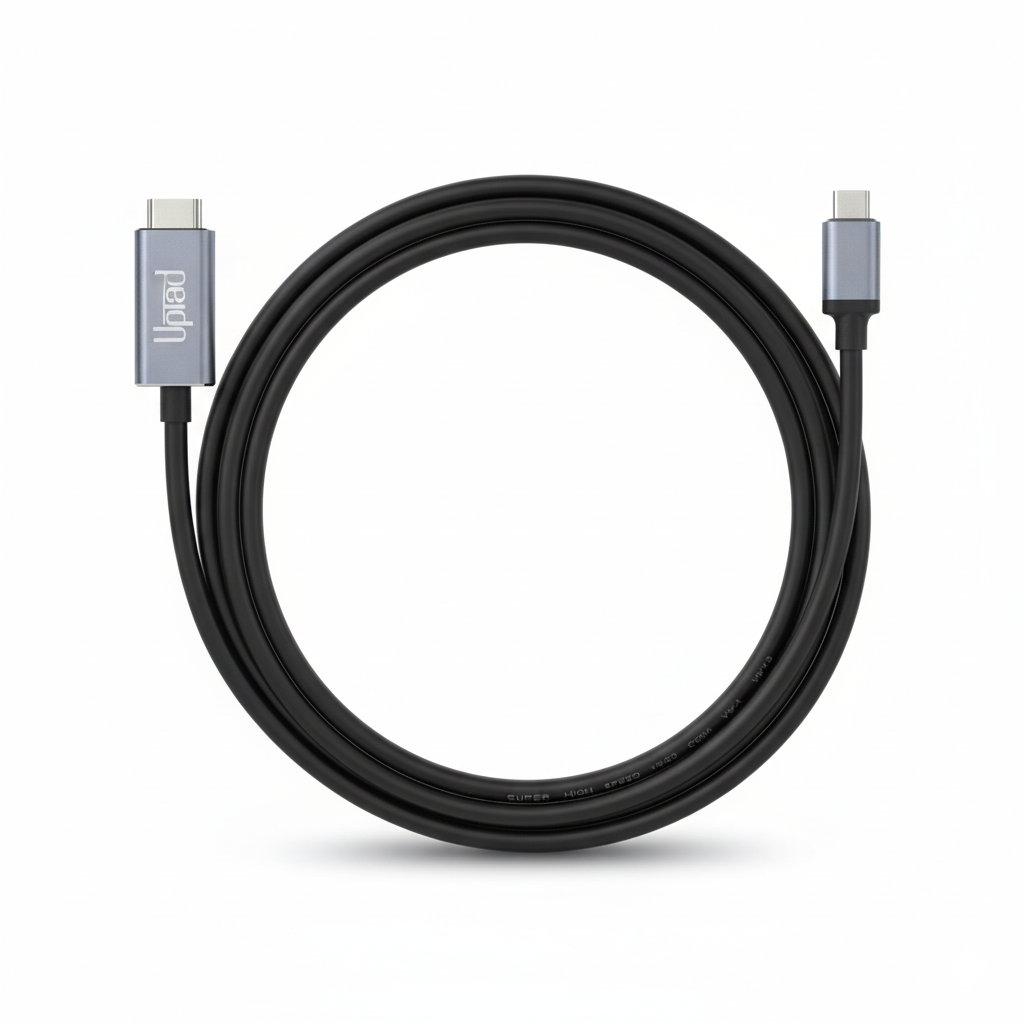
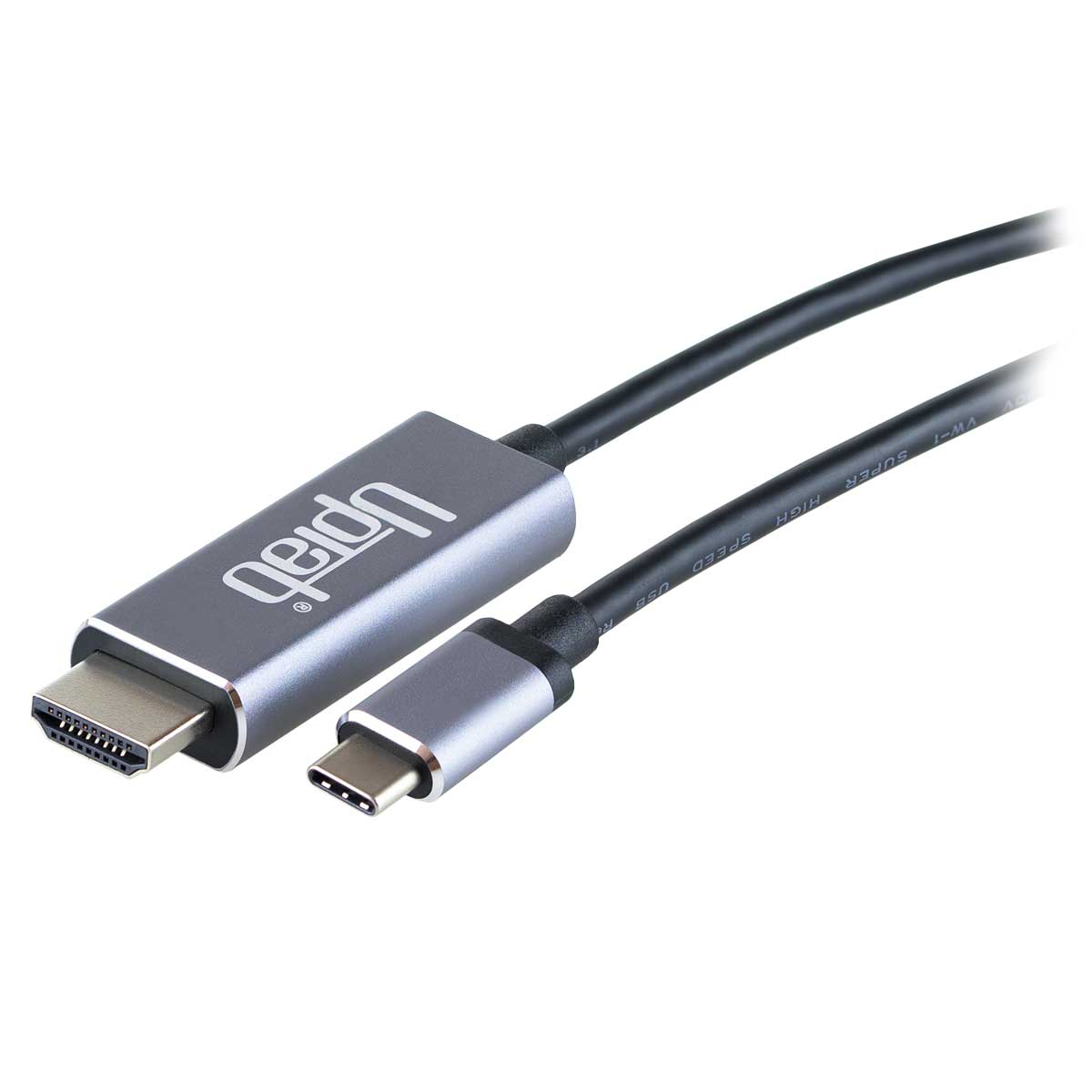
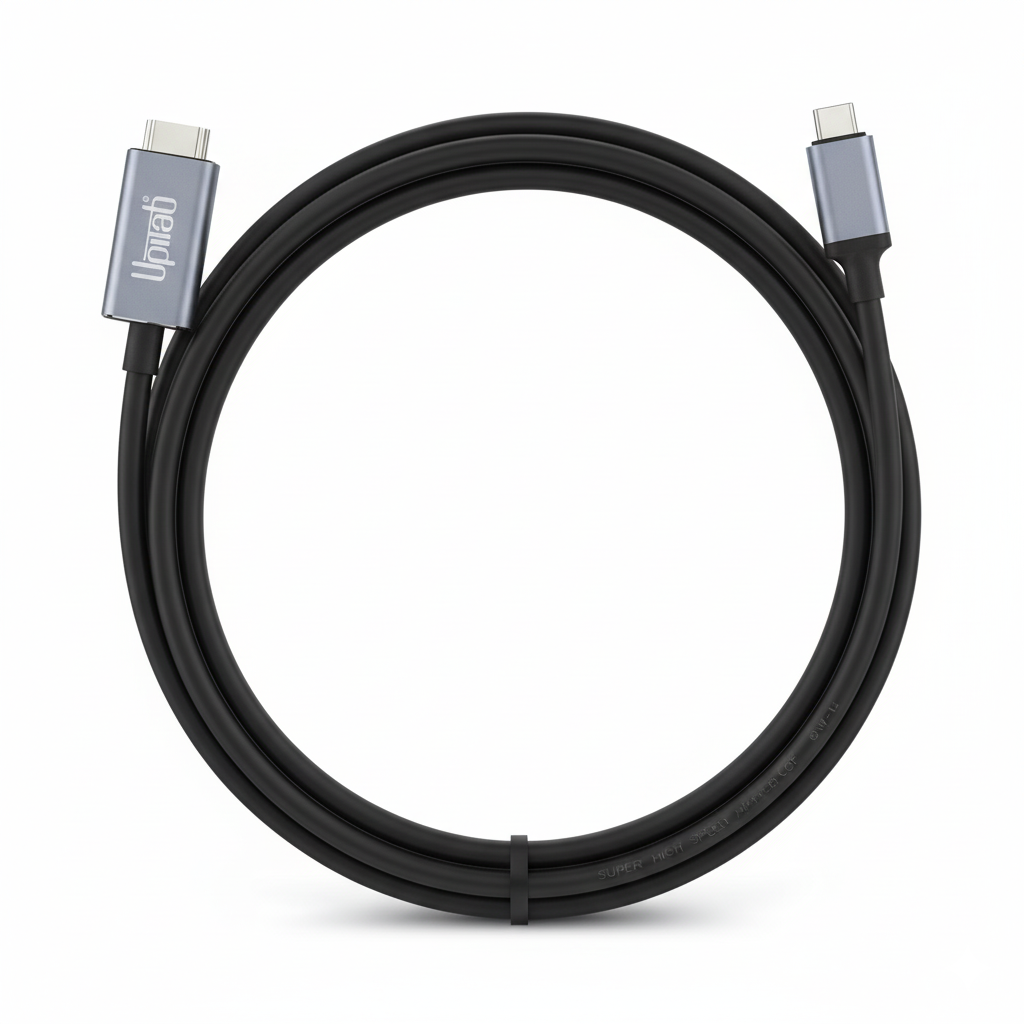
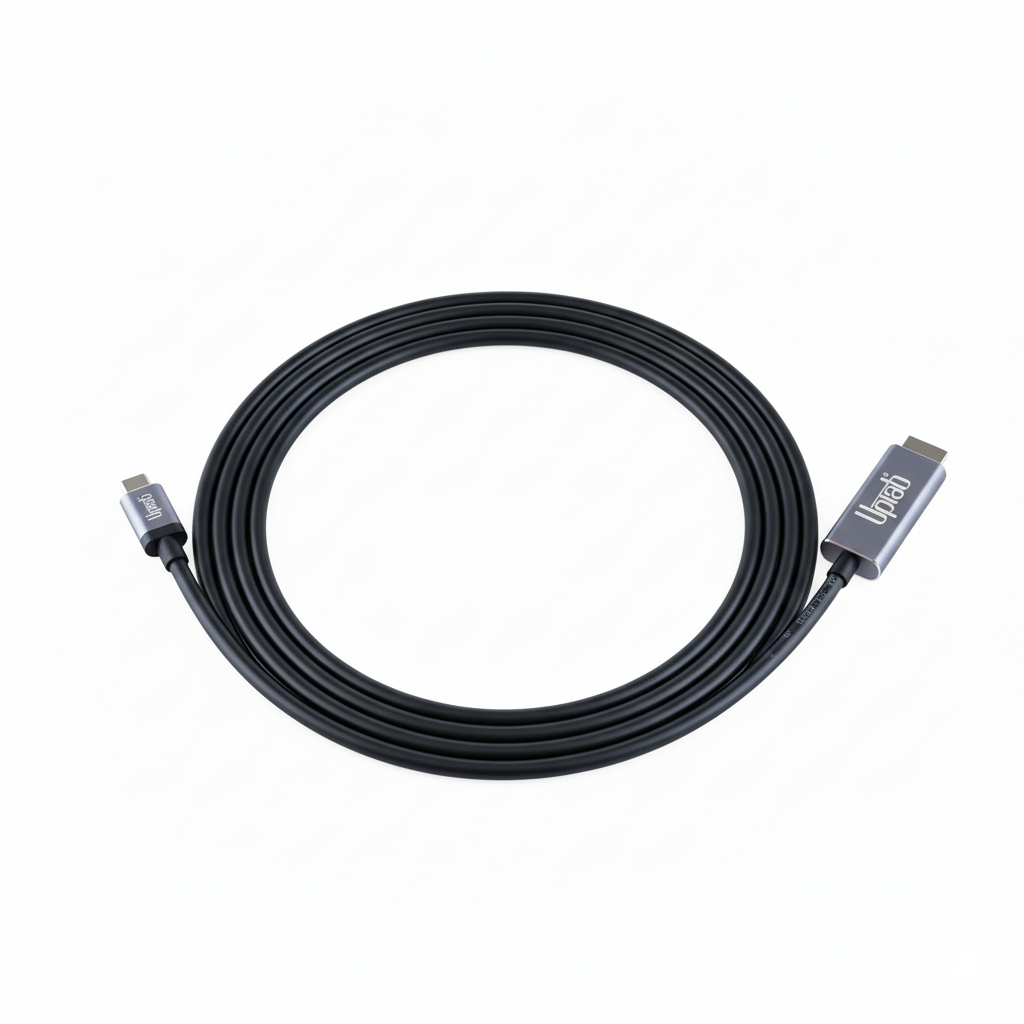
USB C to HDMI 2.0b 4K with HDR Cable 2M/6.56FT
About this item
Pairs well with
SAME DAY SHIPPING order by 11 AM (EST)
Free Shipping Orders Over $50
Technical Support
30 Days Return
1-Year Warranty
USB C to HDMI 2.0b 4K with HDR Cable 2M/6.56FT
Product details
The UPTab USB C 3.2 to HDMI 2.0b Cable allows a computer to connect to an HDMI UltraHD display, even without an HDMI port on the computer. This adapter is ideal for those engaged in high-level computing, gaming or graphics by providing the highest performance available.
Connect the USB C (Type-C) end of the connector to your computer and plug your existing HDMI 2.0 cable from the display or TV into the adapter. The adapter converts the USB C video signal into an HDMI signal at up to UHD 4K 4096x2160@60Hz with High Dynamic Range (HDR).
The adapter cable will enable true RGB color without the visual color degradation that occurs in other color formats that use sub-sampling. When audio is desired, the DisplayPort adapter will also transmit up to 8-channel audio for an immersive audio and video experience.
Compatible with:
- Apple MacBook, MacBook Pro, New MacBook Air, iMac, Mac Mini, iPad Pro, Samsung S10, Lenovo Yoga, Surface Book 2 and More.
Specifications:
- Input: USB C (Type-C) 3.2 or Thunderbolt 3
- Output Terminal: HDMI 2.0b
- HDMI signal at up to UHD 4K 4096x2160@60Hz
- High Dynamic Range HDR10, HDR10+, and Dolby Vision HDR
- Transmit up to 8 channel audio for an immersive audio and video experience
- Length 2 Meters / 6.56 Feet
- 1 Year Warranty
In The Box:
- 1x UPTab USB C (Type C) to HDMI 2.0b HDR 4K Cable
Notes: Only works on USB-C port that supports DP Alt Mode.
If you have any questions, you are always welcome to contact us. We'll get back to you as soon as possible, within 24 hours on weekdays.
-
Shipping Information
We process and ship most orders the same day. Delivery times vary based on your selected shipping method at checkout. Please ensure your shipping address is accurate to avoid delays.
-
Customer Support
Our team is here to help! For questions or assistance, contact us by email or through our contact form. We’ll get back to you as quickly as possible.
-
FAQ’s
When will my order ship?
Most orders are processed and shipped the same day. Delivery time depends on the shipping option selected at checkout.
What is your return policy?
Items may be returned within 30 days in original packaging with all accessories included. -
Contact Us
Have questions or need help? We’re here for you.
Customer Service available Mon - Fri 9am - 5pm (EST)
Email: cs@uptab.com
Phone: 1 (877) 333-1505
Or use our contact form—we’ll respond promptly.
Bought many other options but they all failed the claims of HDR compatibility. The product (cable and ends) are of superb quality, packaging has plenty of information in PERFECT ENGLISH. Most importantly, it enabled HDR on a MacBook Air M1 with CalDigit Element Hub running MacOSX Monterey, and did so on a Thinkpad X270 running Windows 10 Pro. Price of 2 cables was less than 1/3rd of what I paid for a single cable that failed to solve my problem.Curious and would like to pay for and try other products from this manufacturer.


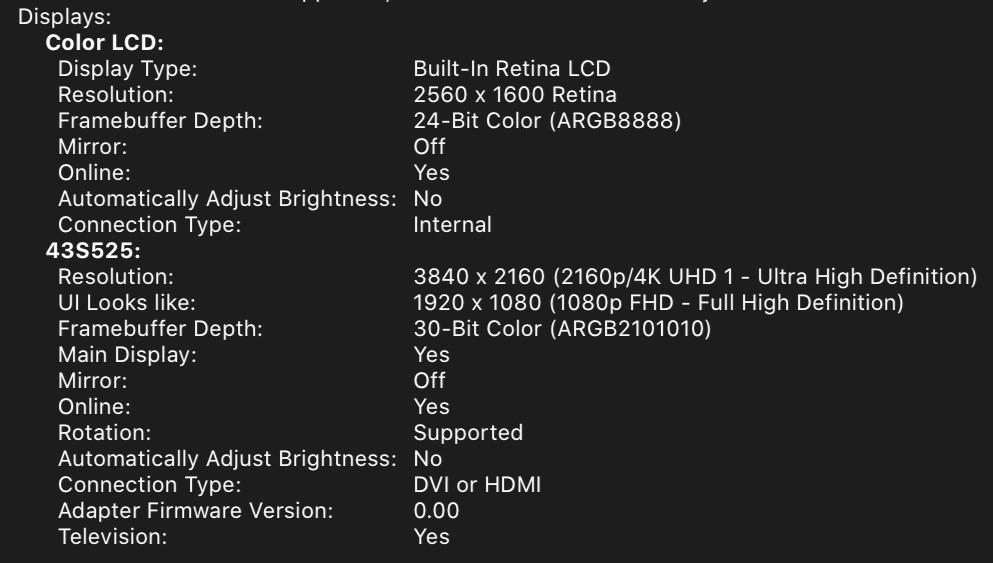
This cable worked perfectly for what I needed, to drive a 4K 60Hz 10-bit monitor/TV (TCL 43S525 with HDMI version 2.0a I think) with a MacBook Pro 13 Retina (2017). I also tried it with my Samsung S10e phone to run DeX on the same TCL monitor, but the screen flashes black every few seconds. I think it's a problem between the phone and TCL TV, though, not the cable.I did have a problem with the first cable flashing black on everything I tried, but UPTab customer service was excellent and they sent out a new cable immediately!
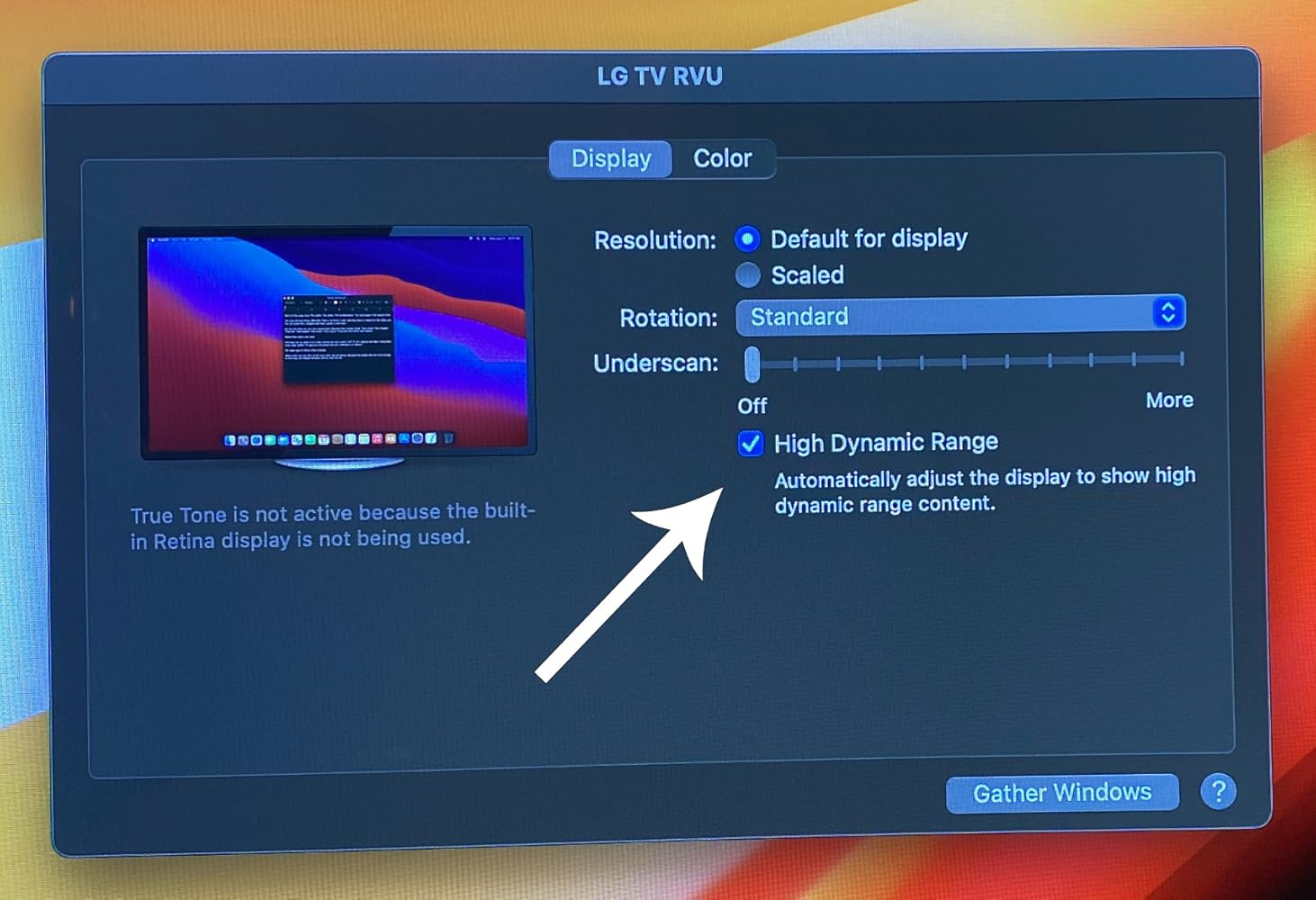
First cable I found that actually supports MacBookPro 16" (BigSur OS) natively with the LG OLED TV . Tested 2018 and 2020 OLED TVs. Perfect for Video editing where you need a quick way to view 4K HDR output . Tested in Premiere Pro 2021 v15.2. - macOS BigSur v11.4 and Windows 10 DirectX12 now support HDR directly making this super easy. Applications like Adobe Premiere Pro also use this OS level HDR support . Just set Premiere Pro's preference for Extended Range.
Buy this product, not other cheap products.
Works as intended
Very good cable.
None
This made connecting a 2nd monitor to my laptop super easy!
Used this cable to connect my 4k Dell monitor to my mac book pro 2017 laptop. Worked as expected, good quality.
Works great! Finally I can play 4k HDR contents on my Macbook Pro by simply connecting it to a TV.
Great value, compact, versatile device for leveraging mobile enjoyment of HD programming. Works as advertised. Be aware device display quality May have to be adjusted Depending on source media and source device. For example, Netflix HD output from my Dell XPS13-9370 Looks HD on a hotel LG HDTV from the get-go, but my Samsung Galaxy S9+ displayed dark and had to be corrected through TV display adjustments - an Easy Fix.
I can connect my surface pro to my tv with no problem. There is no lag and the picture quality is great.
Free Shipping Over $50
Same-Day Shipping on Most Orders