

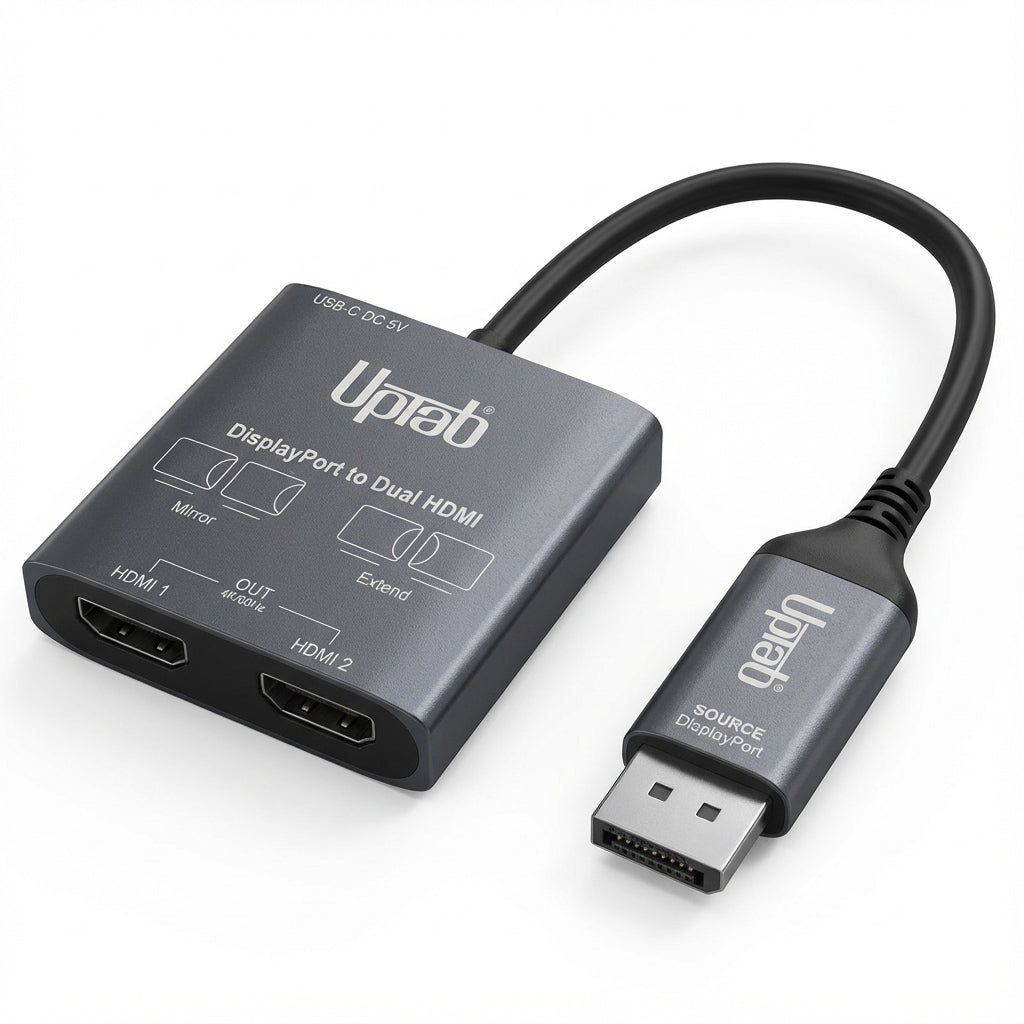
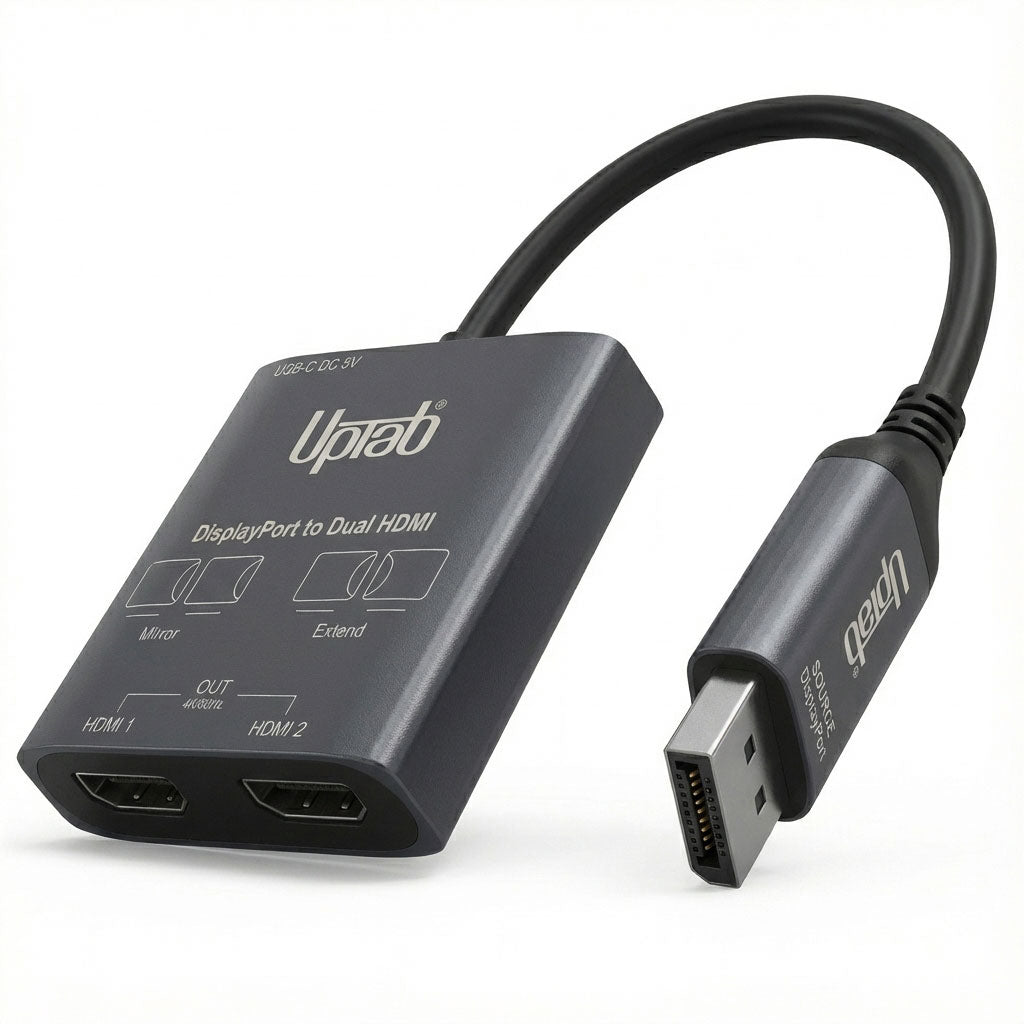
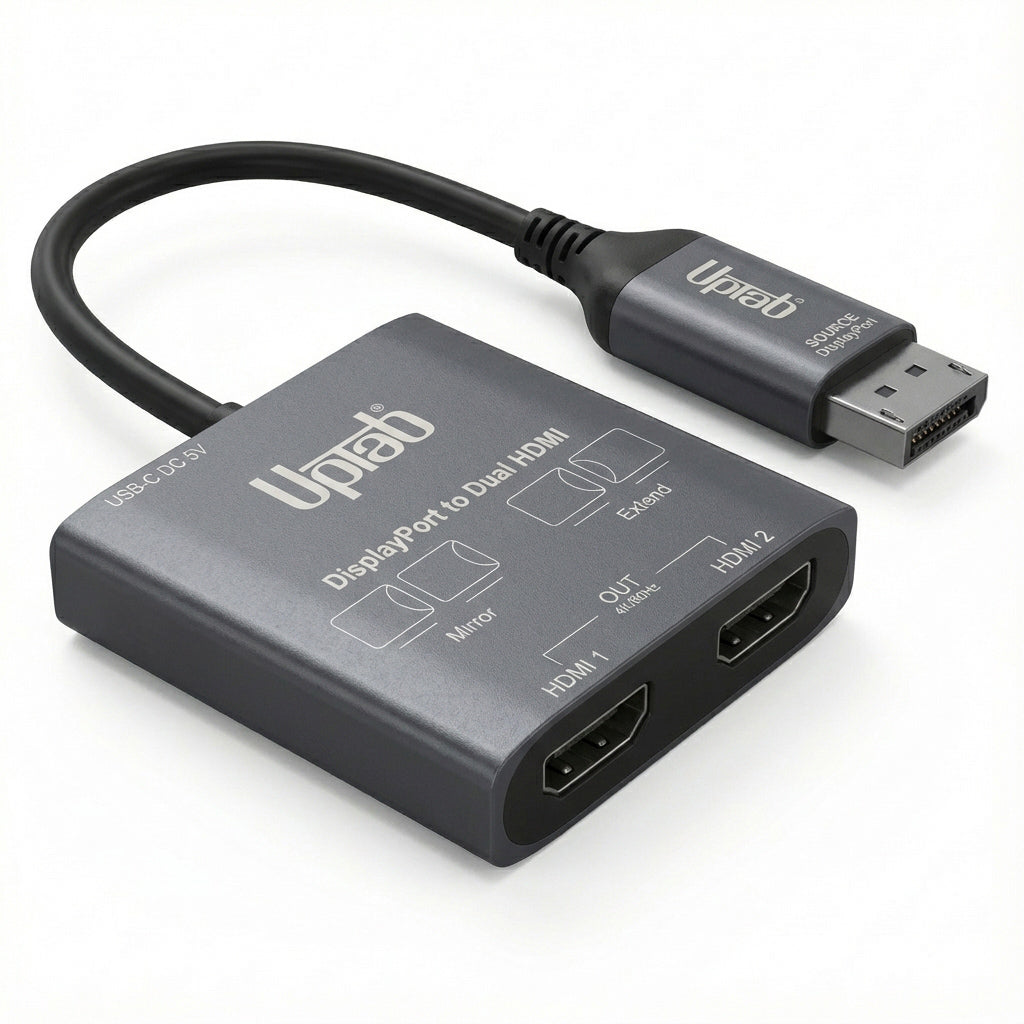
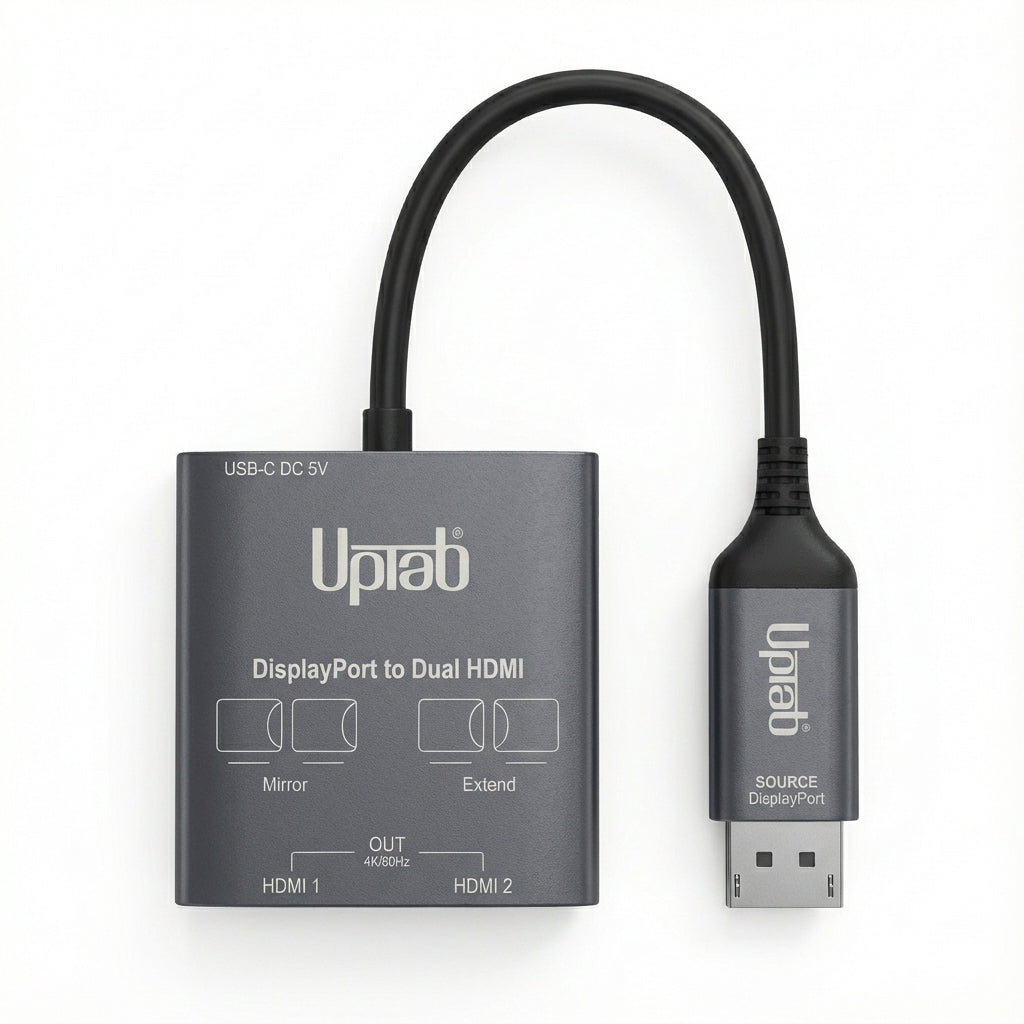
DisplayPort to Dual HDMI 4K 60Hz MST Adapter
About this item
Pairs well with
SAME DAY SHIPPING order by 11 AM (EST)
Free Shipping Orders Over $50
Technical Support
30 Days Return
1-Year Warranty
DisplayPort to Dual HDMI 4K 60Hz MST Adapter
Product details
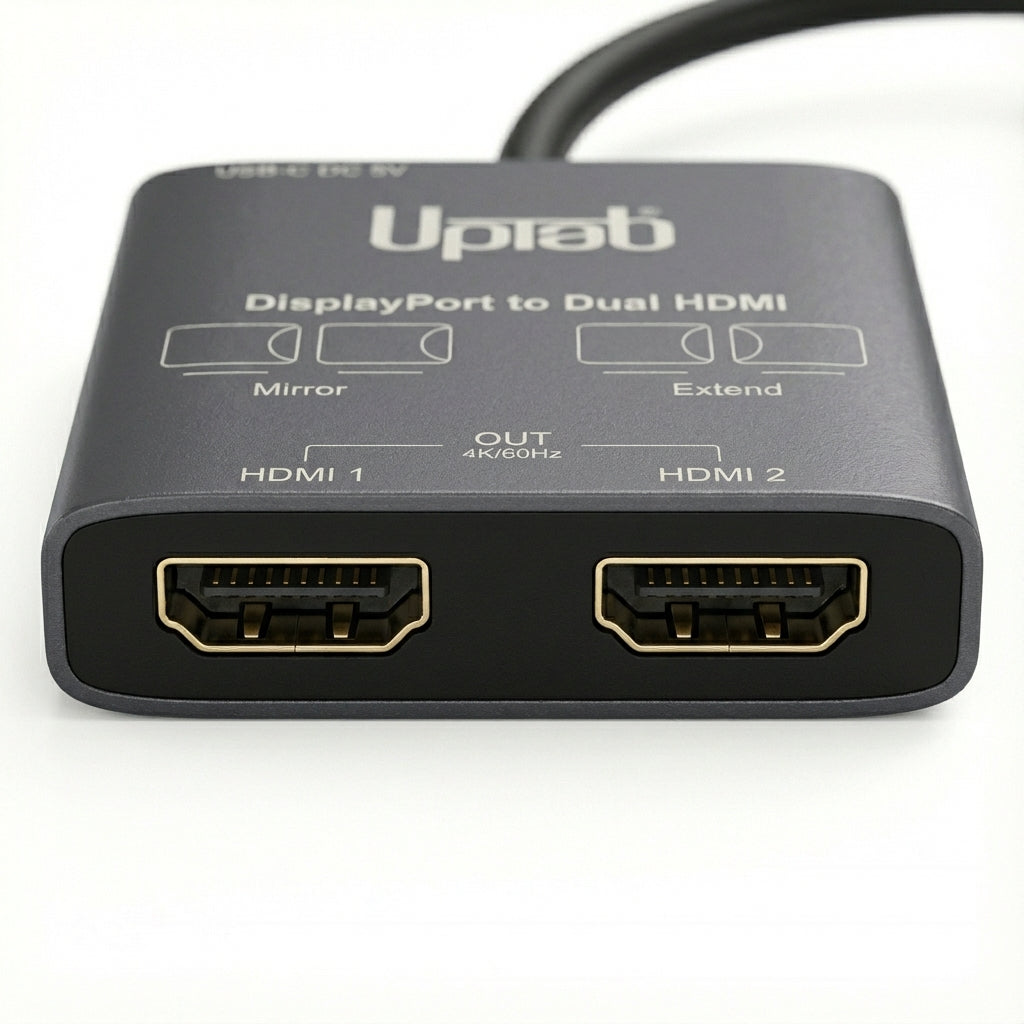
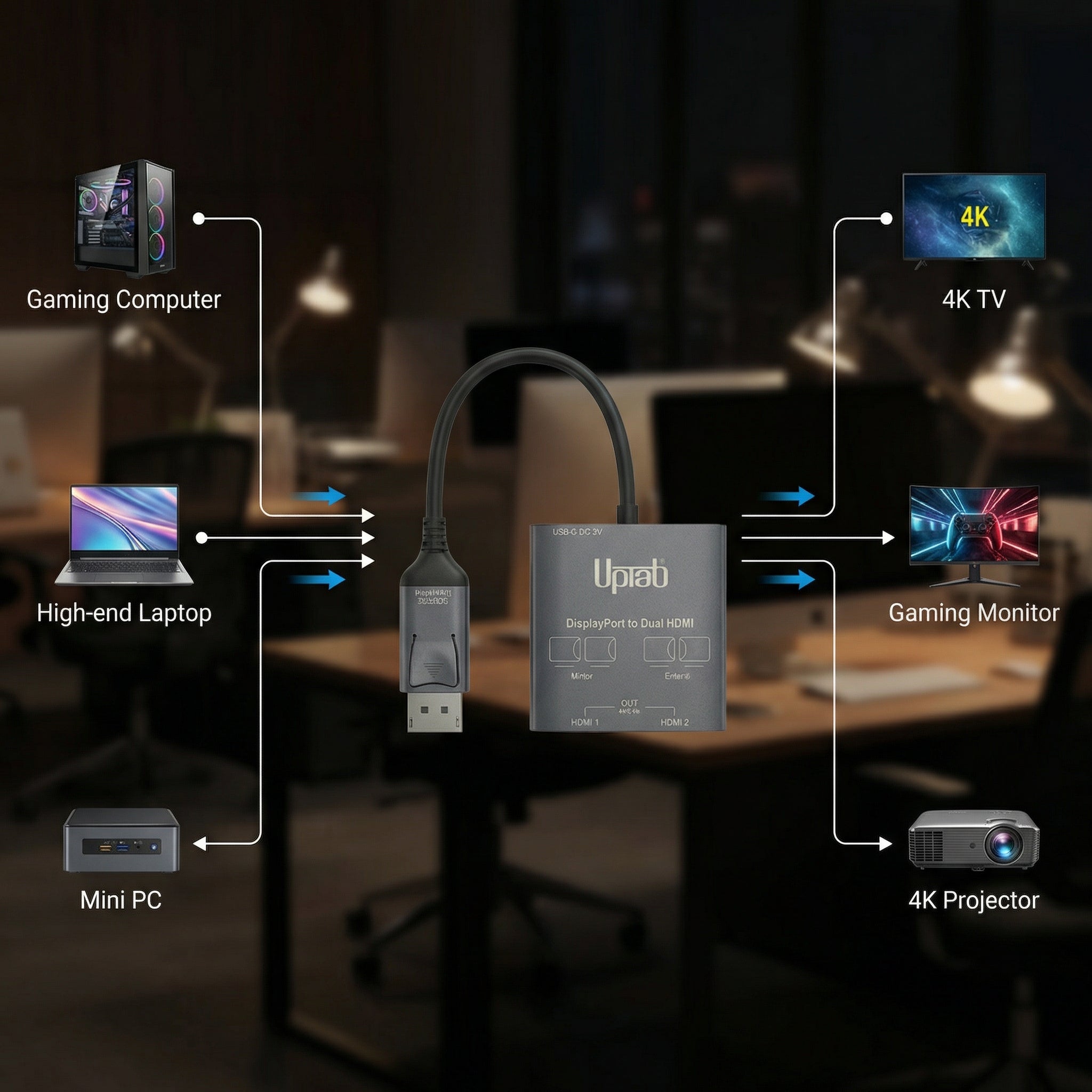
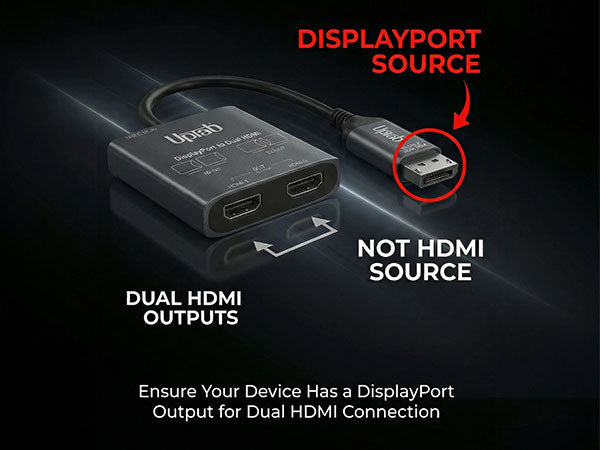
The UPTab DisplayPort to Dual HDMI 4K MST Adapter makes it easy to connect your DisplayPort-enabled laptop or desktop to two HDMI monitors. Whether you’re working, creating, gaming, or presenting, this compact adapter lets you extend, mirror, or split your display with crisp 4K clarity.
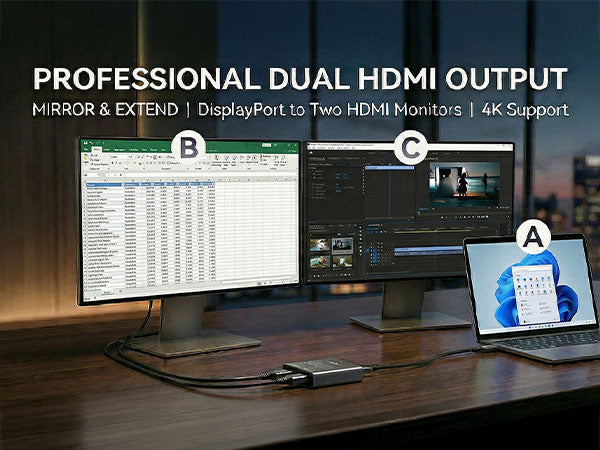
Designed for productivity and flexibility, use it to run spreadsheets on one screen and emails on another, stretch one wide image across two displays, or mirror your presentation onto two TVs. Lightweight and travel-friendly, it’s ideal for both home office setups and on-the-go professionals.
Easy Dual-Monitor Setup
-
Connect one DisplayPort output to two HDMI monitors.
-
Choose Mirror Mode, Extended Mode, or Panoramic Mode across both displays (Windows only).
-
Supports up to Dual 4K 60Hz or Dual 1080p 120Hz.
Crisp Image & Rich Audio
Enjoy stunning picture quality with 4:4:4 true RGB color, ensuring sharp text and vibrant visuals. The adapter also passes up to 8-channel audio for a full, immersive experience when connected to supported devices.
Compatibility Notes (Read Before Purchase)
-
Extended Mode (MST) is supported on Windows 11/10/8/7.
-
macOS supports Mirror Mode only (same image on both screens).
-
For full functionality, your device must support DisplayPort 1.4/1.2 with MST.
-
Integrated GPUs (e.g., Intel HD series) only support Mirror Mode.
Power Requirement
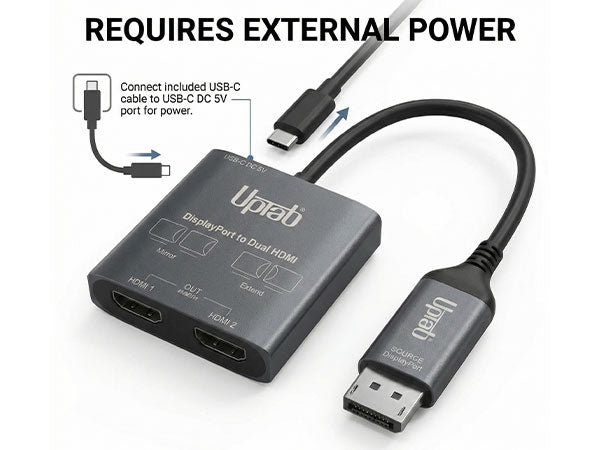
This adapter requires power for stable operation.
Simply connect the supplied USB to USB-C cable to a USB-C port positioned at the rear of the adapter.
Technical Specifications
Inputs:
-
1 × DisplayPort 1.4
Outputs:
-
2 × HDMI 2.0
Supported Resolutions:
-
Single Display: up to 4K (3840×2160) @ 60Hz
-
Dual Display: up to 4K (3840×2160) @ 60Hz or 1080p @ 120Hz
Additional Features:
-
True RGB 4:4:4 color
-
Up to 8-channel audio pass-through
-
Supports MST/SST modes on Windows
-
macOS Mirror Mode (SST) only
-
USB-C power port (cable included)
In the Box
-
1 × UPTab DisplayPort to Dual HDMI 4K 60Hz MST Adapter
-
1 × USB-A to USB-C Cable
If you have any questions, you are always welcome to contact us. We'll get back to you as soon as possible, within 24 hours on weekdays.
-
Shipping Information
We process and ship most orders the same day. Delivery times vary based on your selected shipping method at checkout. Please ensure your shipping address is accurate to avoid delays.
-
Customer Support
Our team is here to help! For questions or assistance, contact us by email or through our contact form. We’ll get back to you as quickly as possible.
-
FAQ’s
When will my order ship?
Most orders are processed and shipped the same day. Delivery time depends on the shipping option selected at checkout.
What is your return policy?
Items may be returned within 30 days in original packaging with all accessories included. -
Contact Us
Have questions or need help? We’re here for you.
Customer Service available Mon - Fri 9am - 5pm (EST)
Email: cs@uptab.com
Phone: 1 (877) 333-1505
Or use our contact form—we’ll respond promptly.
I recently upgraded to a new PC , that has a display port instead of hdmi ports, which is what my previous PC was.I was worried I may have to replace entire components in my new PC, but this little gadget helped - kinda. In all honesty I ended up using an alternative option, mostly because there was a bit of lag , when using this for me.However , it did work to solve the problem and allow dual monitors on a pc that technically only has 1 display port connection.So the lag could be on my end due to the cpu working to compensate..But with the alternative method, I ended up using I don't notice this so I have to conclude that it may just be a bit too much for this little thing to handle.However , if you are looking to just use it simply as a dual monitor HDMI Splitter as intended, this will work great!


Hardly works. Horrible quality for the price. Screen is turning on and off constantly.
Quick
I needed to hook up 3rd monitor. Did the trick!!!
Easy to use, plug and play.
Extremely PleasedI have 2 different screens- Samsung and Onn and run a VICTUS PC Windows 11. Couldn't be more surprised or happy that it was not only a plug and display but did not require any downloading of software/drivers etc.UpTab #UP-DP2XHDMIEXCELLANT PRODUCT
Super easy to install no downloads needed.
Both monitors are working great now.
Same as above
Product came next day and is exactly what I needed
Ordered for my setup at home so I can add a third monitor.
Works perfectly fine. Now I am able to view my computer screen on a 32 inch monitor.
Es de buen beneficio
works great
The Dual HDMI will allow you to have duplicate screens but will also allow you to have multiple displays at once.
Amazon carried Display Port to HDMI splitter for connecting Dual monitors to my desktop. Convenient to order and get delivery. A replacement was required, and it was done smoothly and efficiently. Highly recommended.
Had an issue with an old splitter where it would disconnect when lightly touched. This one has no issues like that. The picture quality is good. No noticeable color distortion. No noticeable lag. So far everything is working just as intended. Overall 9/10
It was like 1,2,3 so easy to install, the instructions did state to ensure the splitter was being charged upon installation. I missed that step so I would encourage all buyers just to read the packaging or instructions. Once I read the package I was good to go and took me 2 minutes just to setup.
Keeps my monitors happy! Doesn't extend the desktop screen but makes a copy of it. It does allow the windows to expand across screens .
I bought the display port to dual HDMI as my docking station didn't have any HDMI ports. This product worked better than I expected. I am able to view different content on each monitor and I cannot see any drop in resolution quality.
Bought a new Dell desktop Windows 11 Pro. Have been using Dell systems for 15+ years running dual monitors for the last 10 years (Windows 7). If you have been running dual monitors like me you cannotbe without them. This Uptap splitter worked great. If you need a splitter this is the one you should buy.
This is great for just duplicating 2 screens. not meant for extending
It started off working great, not it's difficult to keep monitor 2 on without rebooting
recently upgraded computer and it had different port for dual monitor and was able to get this device. Works like a champ so far no issues with it. would definitely recommend for others
The IT dept at my work will not install 3rd party drivers for display adapters that require them. Because of that, I found this little gem. It literally is plug and play and works without any hiccups. My only negative about it is that the monitor order seems to shuffle randomly when you wake up your computer from sleep or reboot it. That can be a hassle when you have to drag all your icons back to the correct desktop. Overall though, I am VERY PLEASED with this splitter since it has allowed me to add another monitor without having to mess with the IT Dept.
Good but not the best solution for 2 monitors - screen black outs as the 2 streams compete for the single signal. Am going to add a new graphics card with separate streams (DD and HDMI) to each monitor. Hopefully I will find another use for the splitter
Awesome
I was invited to a group that needed some input with a graphic design project and I felt pretty professional that I was able to enhance the work with this little device. Great picture quality on multiple devices and it connects easily. Convenient and useful in other situations as well like editing digital photographs, artwork images, gaming etc. Durable unit at an affordable price. Well worth the purchase in my opinion.
Free Shipping Over $50
Same-Day Shipping on Most Orders