

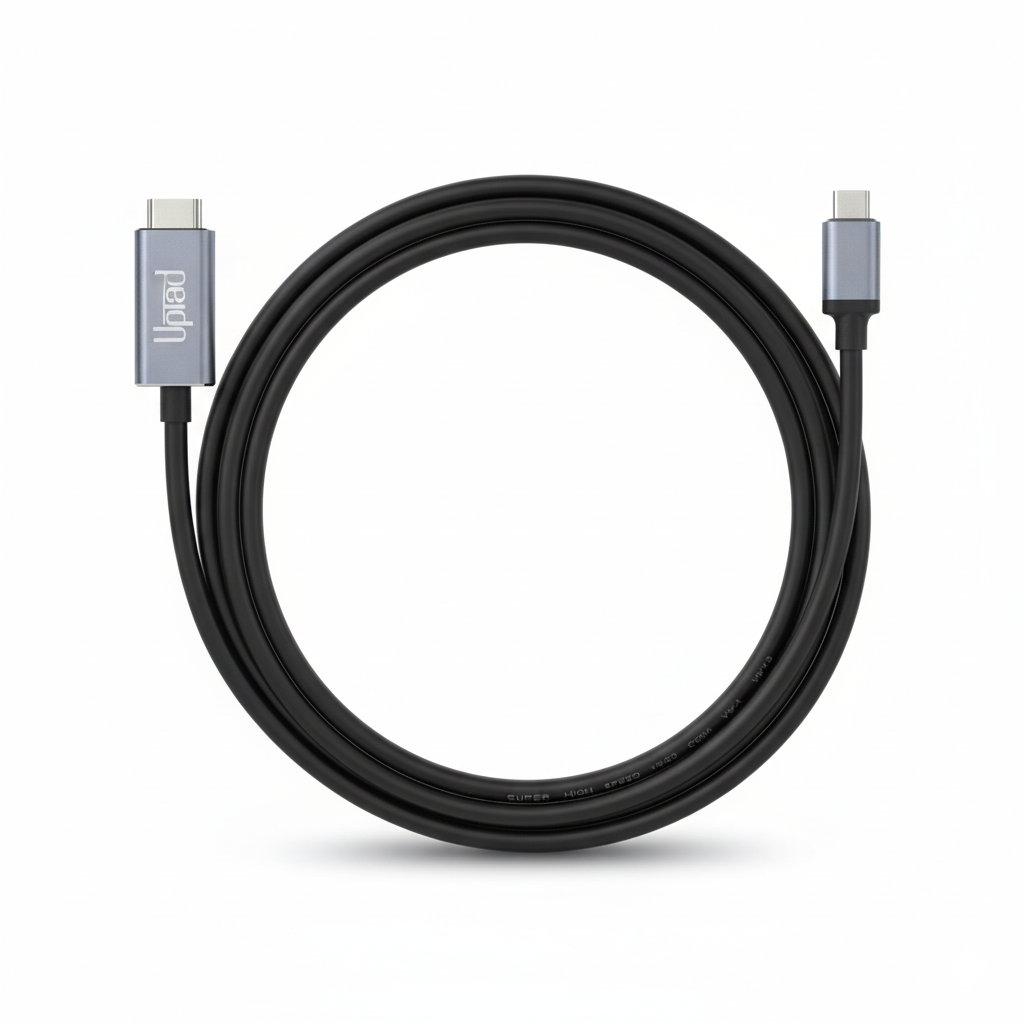
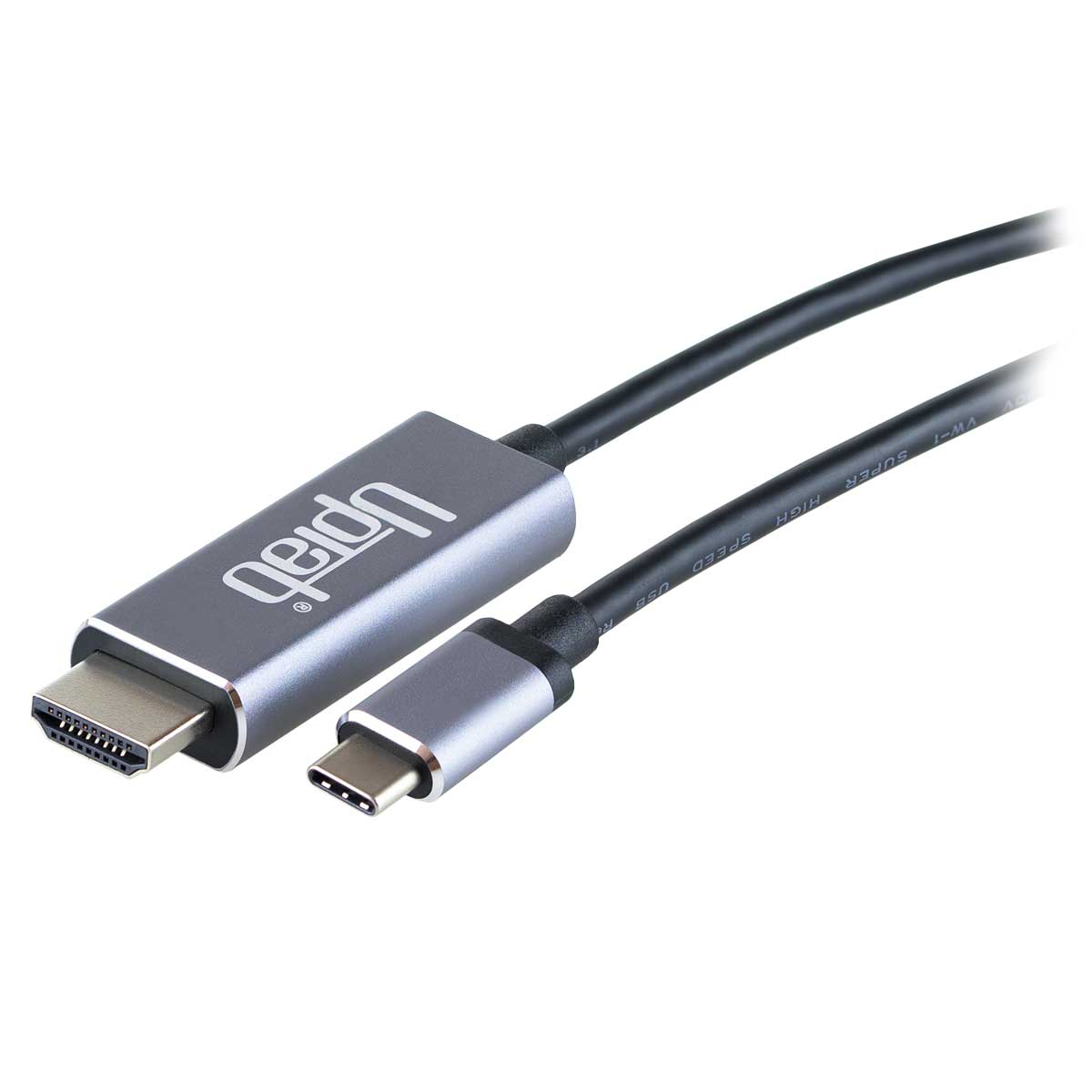
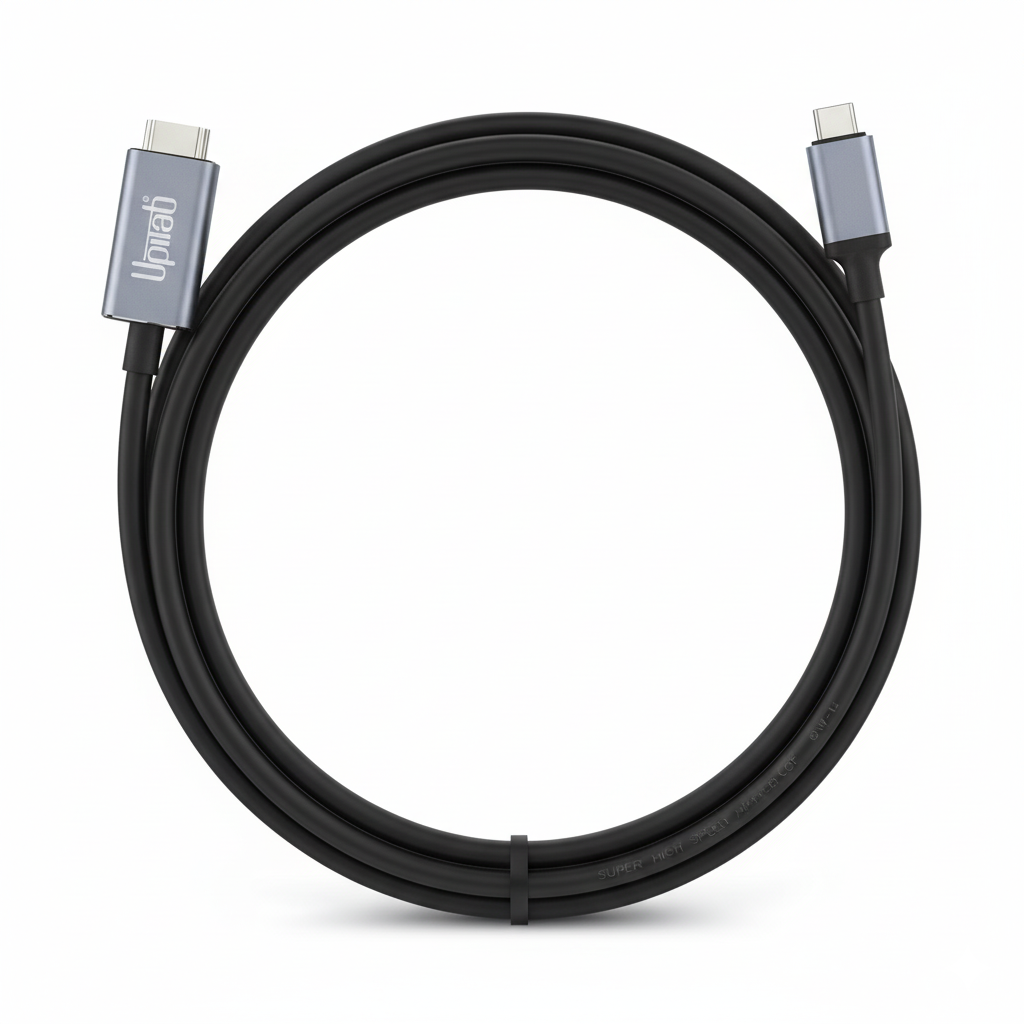
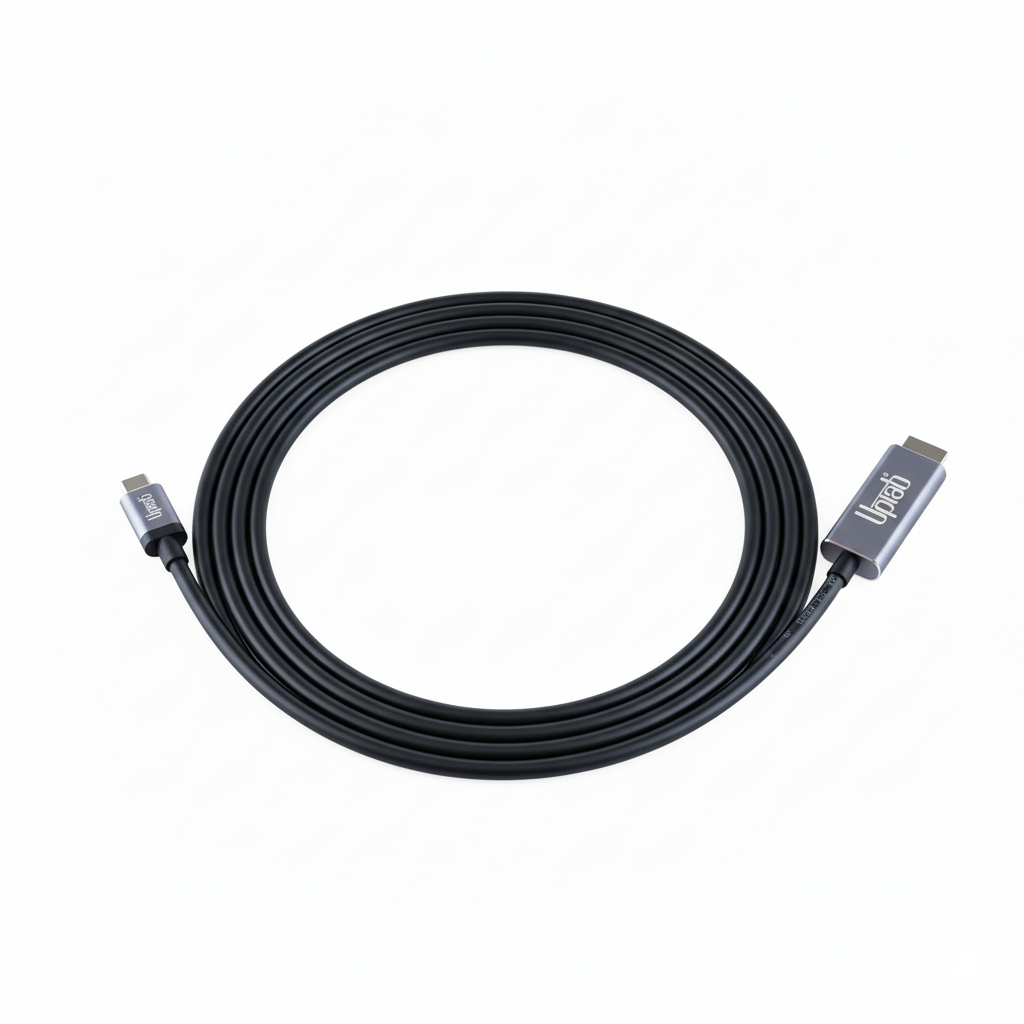
USB C auf HDMI 2.0b 4K mit HDR-Kabel 2M/6,56 Fuß
Über diesen Artikel
Passt gut zu
VERSAND AM SELBEN TAG, Bestellung bis 11:00 Uhr (EST)
Kostenloser Versand für Bestellungen über 50 $
Technischer Support
30 Tage Rückgaberecht
1 Jahr Garantie
USB C auf HDMI 2.0b 4K mit HDR-Kabel 2M/6,56 Fuß
Produktdetails
Das UPTab USB-C-3.2-zu-HDMI-2.0b-Kabel ermöglicht die Verbindung eines Computers mit einem HDMI-UltraHD-Display, auch ohne HDMI-Anschluss am Computer. Dieser Adapter ist ideal für diejenigen, die sich mit High-Level-Computing, Gaming oder Grafik beschäftigen, da er die höchste verfügbare Leistung bietet.
Verbinden Sie das USB-C-Ende (Typ-C) des Steckers mit Ihrem Computer und stecken Sie Ihr vorhandenes HDMI-2.0-Kabel vom Display oder Fernseher in den Adapter. Der Adapter wandelt das USB-C-Videosignal in ein HDMI-Signal mit bis zu UHD 4K 4096x2160@60Hz mit High Dynamic Range (HDR) um.
Das Adapterkabel ermöglicht echte RGB-Farben ohne die visuelle Farbverschlechterung, die bei anderen Farbformaten mit Unterabtastung auftritt. Wenn Audio gewünscht wird, überträgt der DisplayPort-Adapter auch bis zu 8-Kanal-Audio für ein beeindruckendes Audio- und Videoerlebnis.
Kompatibel mit:
- Apple MacBook, MacBook Pro, neues MacBook Air, iMac, Mac Mini, iPad Pro, Samsung S10, Lenovo Yoga, Surface Book 2 und mehr.
Spezifikationen:
- Eingang: USB C (Typ-C) 3.2 oder Thunderbolt 3
- Ausgangsanschluss: HDMI 2.0b
- HDMI-Signal mit bis zu UHD 4K 4096 x 2160 bei 60 Hz
- High Dynamic Range HDR10, HDR10+ und Dolby Vision HDR
- Übertragen Sie bis zu 8-Kanal-Audio für ein beeindruckendes Audio- und Videoerlebnis
- Länge 2 Meter / 6,56 Fuß
- 1 Jahr Garantie
In der Box:
- 1x UPTab USB C (Typ C) auf HDMI 2.0b HDR 4K-Kabel
Hinweise: Funktioniert nur an USB-C-Ports, die den DP-Alt-Modus unterstützen.
Wenn Sie Fragen haben, können Sie uns jederzeit gerne kontaktieren. Wir werden uns so schnell wie möglich bei Ihnen melden, werktags innerhalb von 24 Stunden.
-
Versandinformationen
Wir bearbeiten und versenden die meisten Bestellungen noch am selben Tag. Die Lieferzeiten variieren je nach der von Ihnen an der Kasse gewählten Versandart. Bitte stellen Sie sicher, dass Ihre Lieferadresse korrekt ist, um Verzögerungen zu vermeiden.
-
Kundendienst
Unser Team hilft Ihnen gerne weiter! Bei Fragen oder Unterstützung kontaktieren Sie uns per E-Mail oder über unser Kontaktformular. Wir melden uns schnellstmöglich bei Ihnen.
-
FAQs
Wann wird meine Bestellung versendet?
Die meisten Bestellungen werden noch am selben Tag bearbeitet und versendet. Die Lieferzeit hängt von der an der Kasse gewählten Versandoption ab.
Wie sind Ihre Rückgabebedingungen?
Eine Rücksendung der Artikel ist innerhalb von 30 Tagen in der Originalverpackung mit sämtlichem Zubehör möglich. -
Kontaktiere uns
Haben Sie Fragen oder benötigen Sie Hilfe? Wir sind für Sie da.
Der Kundendienst ist von Montag bis Freitag von 9:00 bis 17:00 Uhr (EST) erreichbar.
E-Mail: cs@uptab.com
Telefon: 1 (877) 333-1505
Oder nutzen Sie unser Kontaktformular– wir werden umgehend antworten.
Bought many other options but they all failed the claims of HDR compatibility. The product (cable and ends) are of superb quality, packaging has plenty of information in PERFECT ENGLISH. Most importantly, it enabled HDR on a MacBook Air M1 with CalDigit Element Hub running MacOSX Monterey, and did so on a Thinkpad X270 running Windows 10 Pro. Price of 2 cables was less than 1/3rd of what I paid for a single cable that failed to solve my problem.Curious and would like to pay for and try other products from this manufacturer.


This cable worked perfectly for what I needed, to drive a 4K 60Hz 10-bit monitor/TV (TCL 43S525 with HDMI version 2.0a I think) with a MacBook Pro 13 Retina (2017). I also tried it with my Samsung S10e phone to run DeX on the same TCL monitor, but the screen flashes black every few seconds. I think it's a problem between the phone and TCL TV, though, not the cable.I did have a problem with the first cable flashing black on everything I tried, but UPTab customer service was excellent and they sent out a new cable immediately!
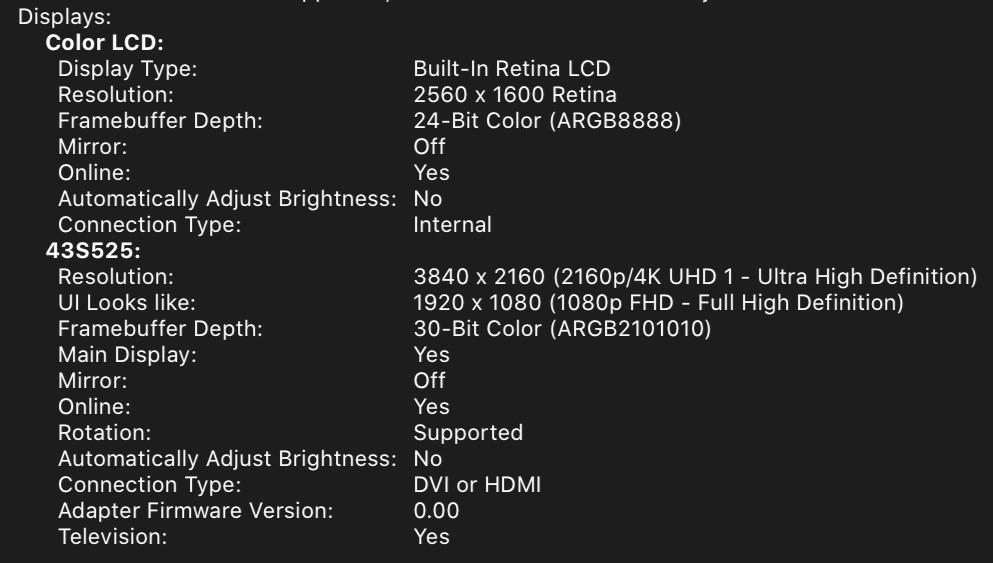
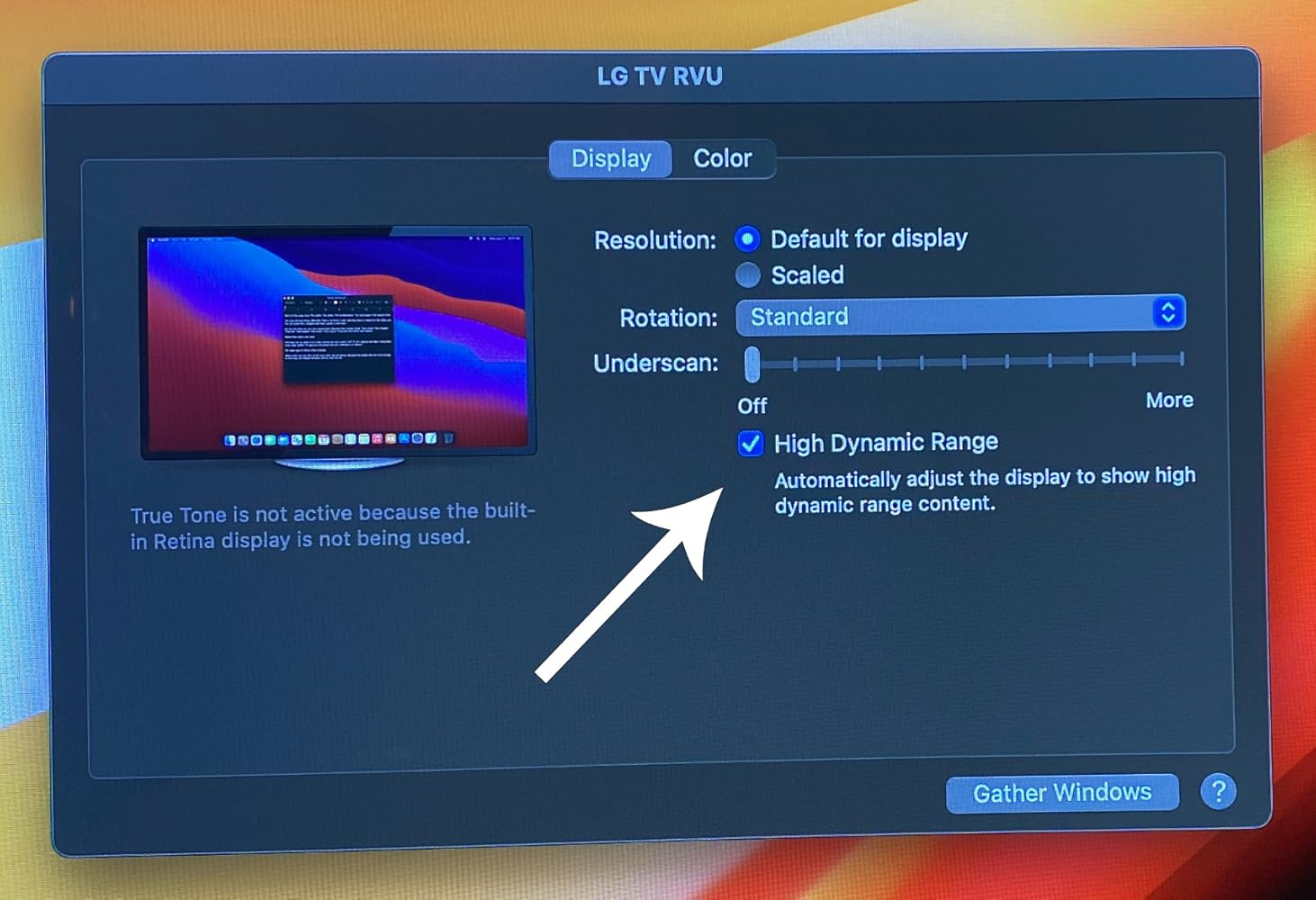
First cable I found that actually supports MacBookPro 16" (BigSur OS) natively with the LG OLED TV . Tested 2018 and 2020 OLED TVs. Perfect for Video editing where you need a quick way to view 4K HDR output . Tested in Premiere Pro 2021 v15.2. - macOS BigSur v11.4 and Windows 10 DirectX12 now support HDR directly making this super easy. Applications like Adobe Premiere Pro also use this OS level HDR support . Just set Premiere Pro's preference for Extended Range.
Buy this product, not other cheap products.
Works as intended
Very good cable.
None
This made connecting a 2nd monitor to my laptop super easy!
Used this cable to connect my 4k Dell monitor to my mac book pro 2017 laptop. Worked as expected, good quality.
Works great! Finally I can play 4k HDR contents on my Macbook Pro by simply connecting it to a TV.
Great value, compact, versatile device for leveraging mobile enjoyment of HD programming. Works as advertised. Be aware device display quality May have to be adjusted Depending on source media and source device. For example, Netflix HD output from my Dell XPS13-9370 Looks HD on a hotel LG HDTV from the get-go, but my Samsung Galaxy S9+ displayed dark and had to be corrected through TV display adjustments - an Easy Fix.
I can connect my surface pro to my tv with no problem. There is no lag and the picture quality is great.
Kostenloser Versand über $50
Versand am selben Tag für die meisten Bestellungen