

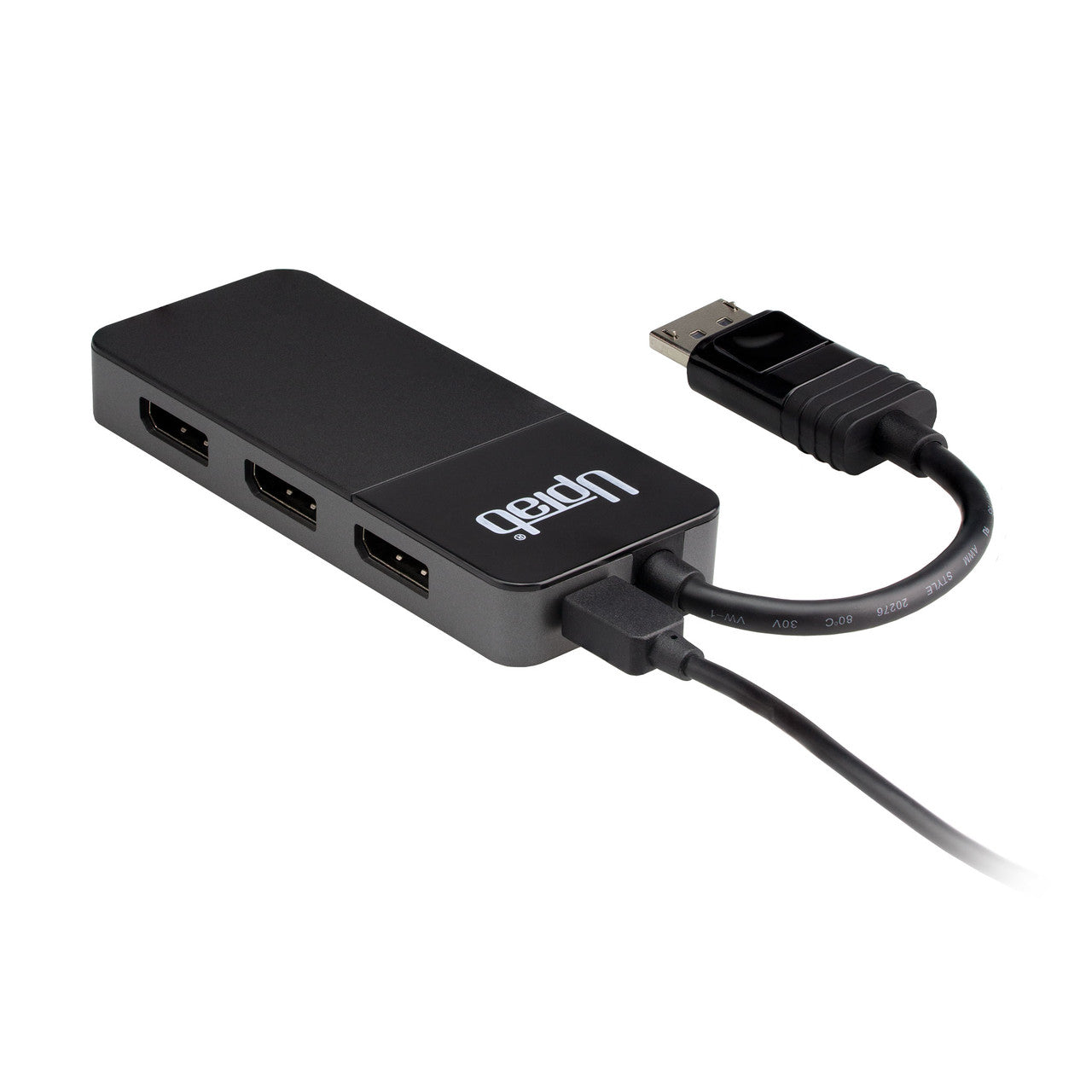
产品详情
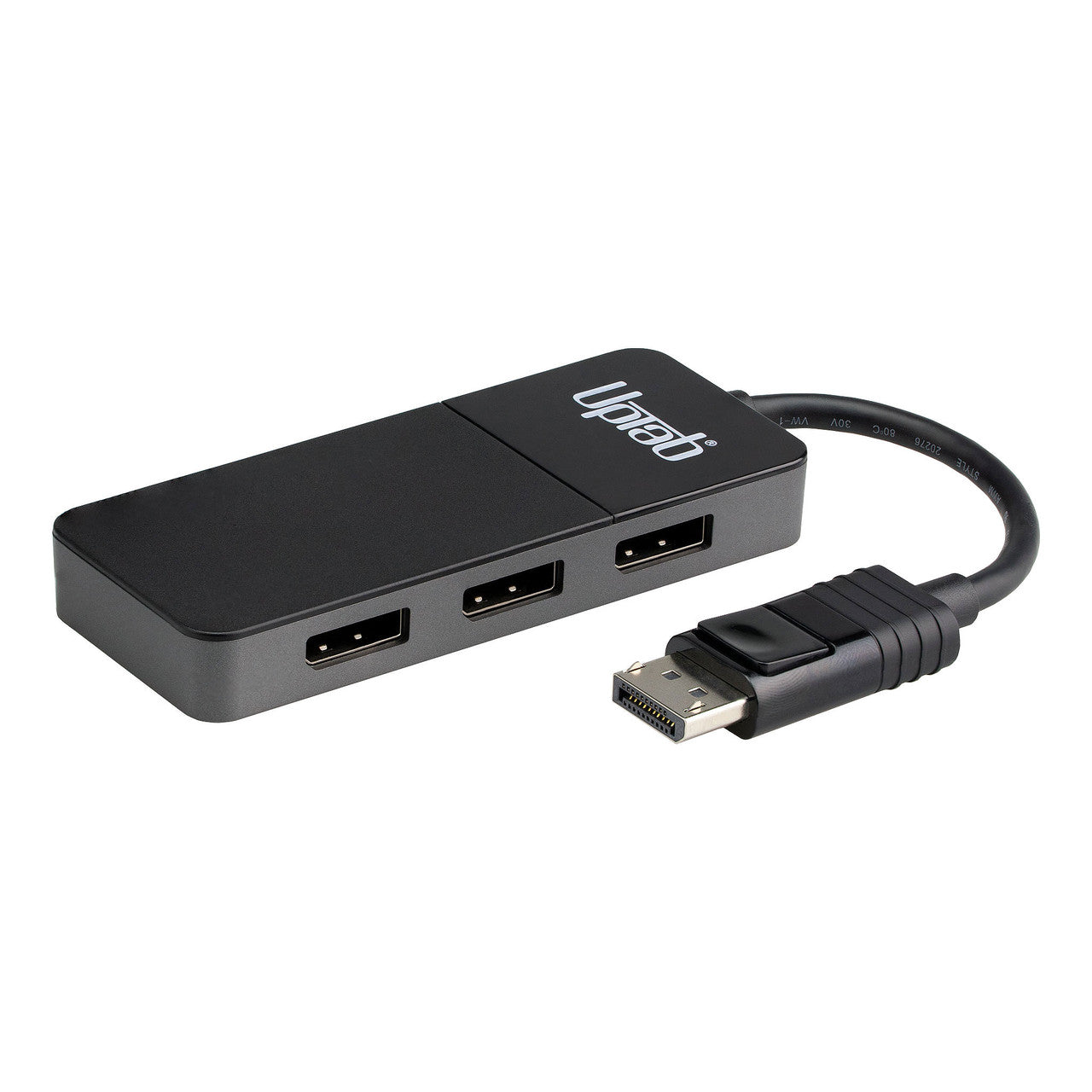
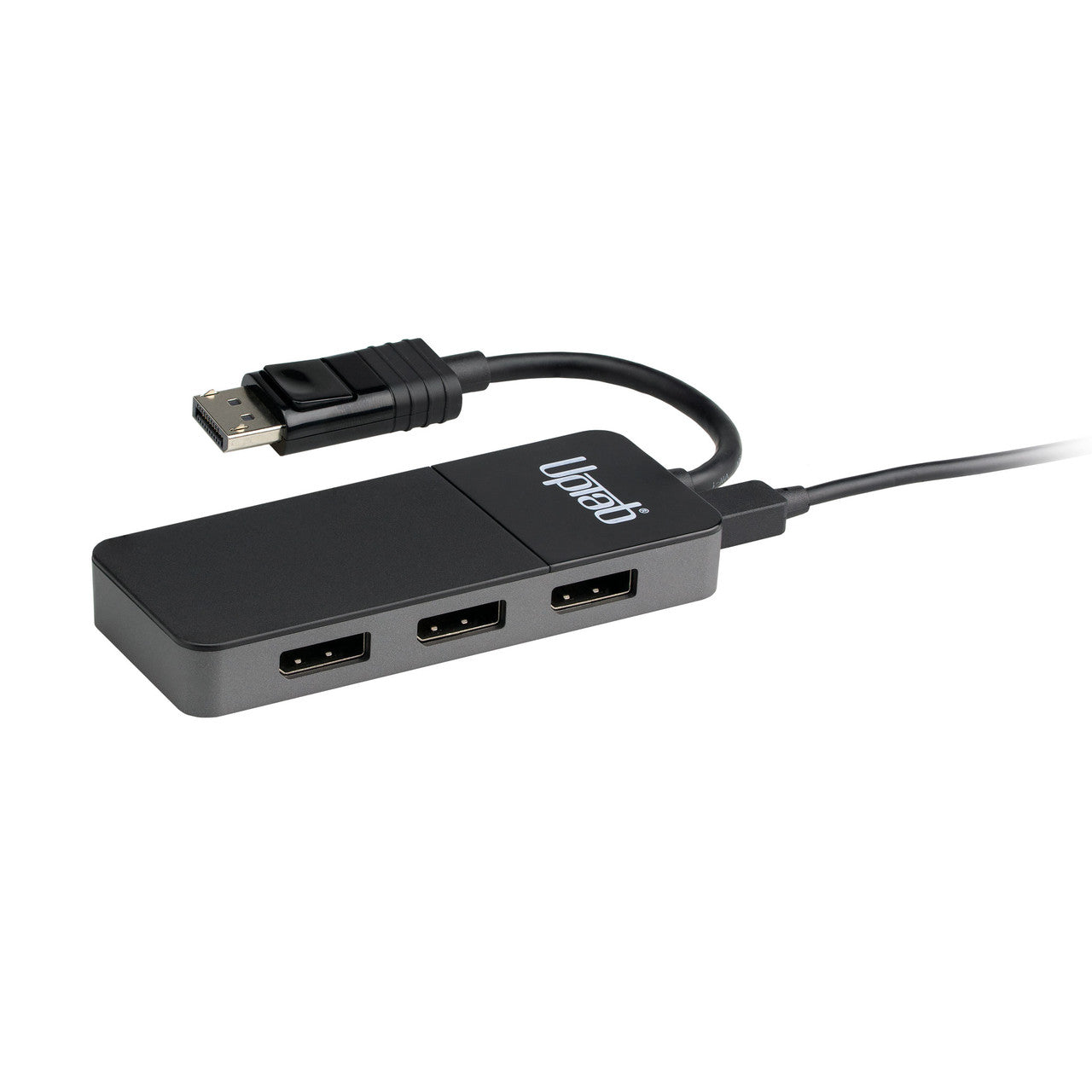
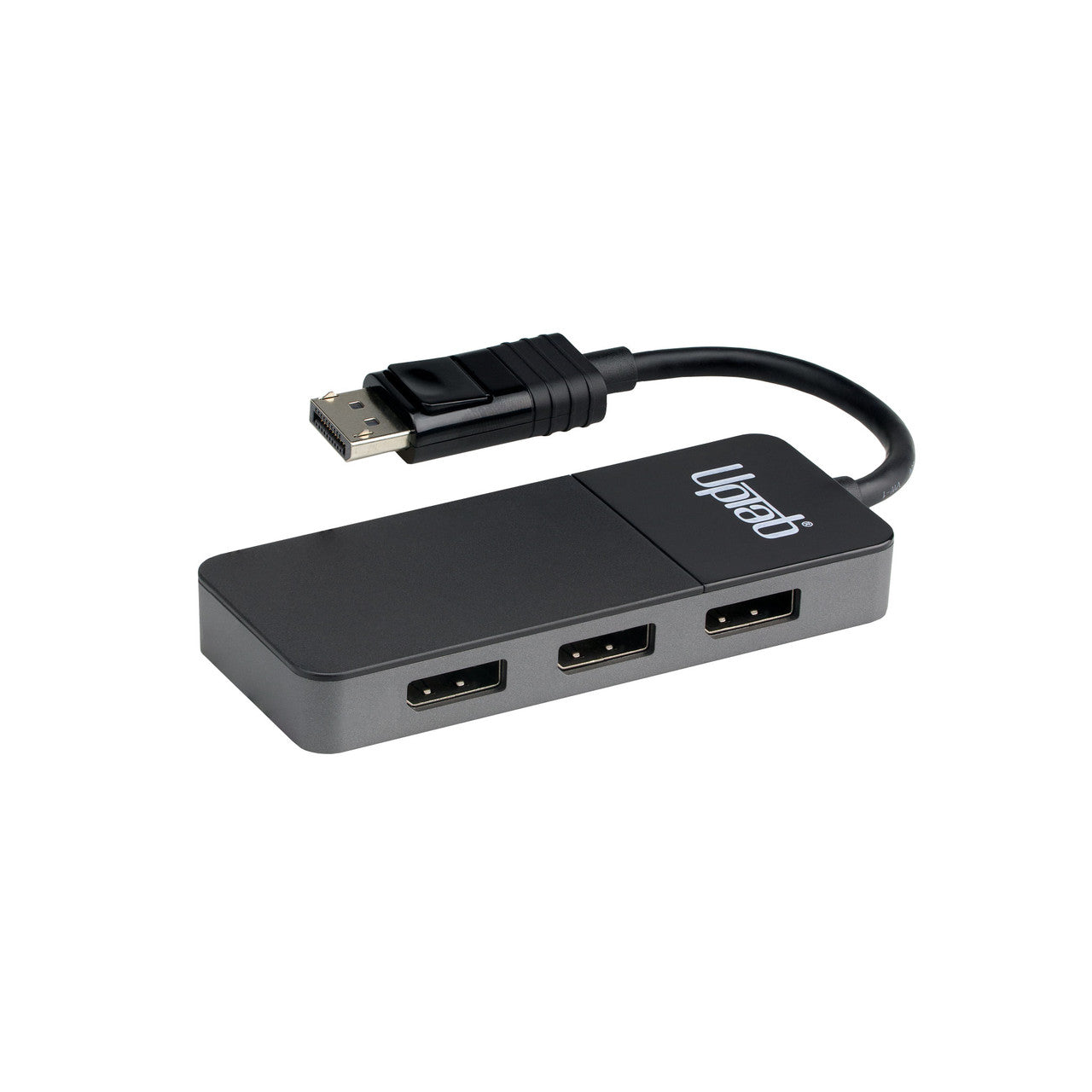
这款 UPTab DisplayPort 1.4 转 3 DisplayPort 多流传输 (MST) 集线器可在连接到单个 DisplayPort 输出的最多三台显示器上实现三种不同的显示模式。您可以连接一台分辨率高达 8K@60Hz 的显示器来镜像您的电脑桌面。添加第二台显示器后,集线器将自动扩展图像,以覆盖两台显示器,每台显示器的分辨率高达 5K@60Hz。连接三台显示器后,集线器将自动调整以生成 3x1 的“视频墙”,单个图像将覆盖三台显示器,每台显示器的分辨率高达 4K@60Hz。这款集线器非常适合游戏玩家、视频编辑者、建筑师以及任何需要处理超高分辨率图像或视频的人士。
多流传输 (MST) 中心: MST Hub 可在连接到单个 DisplayPort 输出的最多三台显示器上实现三种不同的显示模式。
重复模式: 您可以连接分辨率高达 8K@60Hz 的单个显示器来镜像您的计算机桌面。
扩展桌面模式: 连接两个显示器后,集线器将自动扩展图像以跨越两个显示器,每个显示器的分辨率高达 5K@60Hz。
视频墙模式: 连接三台显示器后,集线器会自动调整以生成 3x1 的“视频墙”,单个图像跨越三台显示器,每台显示器的分辨率高达 4K@60Hz。

规格:
- 输入: DisplayPort 1.4
- 输出:
- 单个 DisplayPort 1.4 显示器支持高达 8K 的显示分辨率和 60Hz 的帧率
- 双 DisplayPort 1.4 显示器支持高达 5K 的显示分辨率,帧率为 60Hz
- 三个 DisplayPort 1.4 显示器支持高达 4K 的显示分辨率,帧率为 60Hz
- 支持 HDR 高动态范围、HDR10、HDR10+ 和杜比视界
- 音频支持最多 8 通道 LPCM
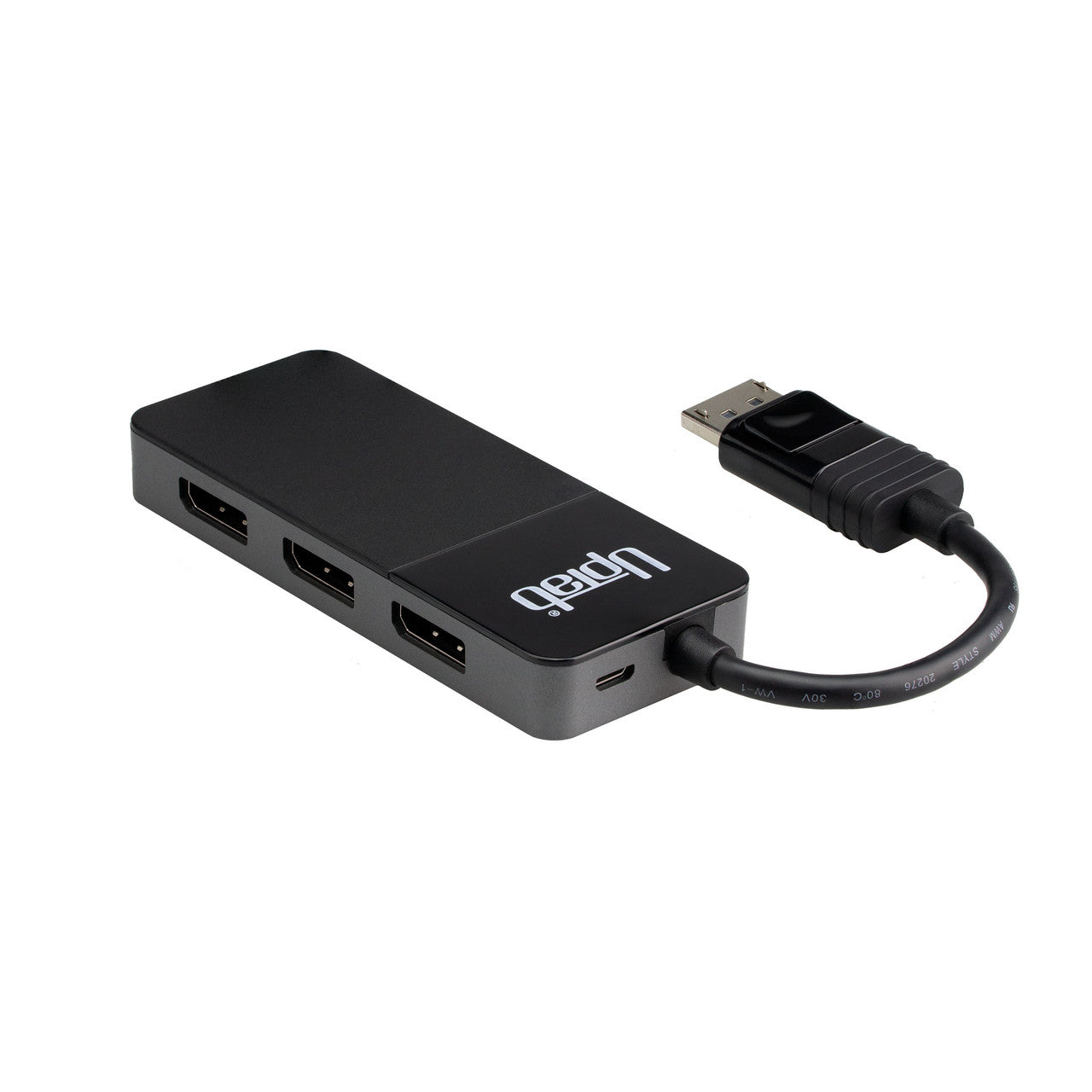
- 用于外部电源的 Micro USB 端口(附带 Micro USB 线缆)
- 尺寸:4 1/8" x 1 5/8" x 1/2"

包装内容:
- 1 个 DisplayPort 1.4 转 3x DisplayPort 适配器
- 1 条 USB 转 Micro USB 40 英寸(1 米)线缆
如有任何疑问,欢迎随时联系我们。我们将在工作日24小时内尽快回复您。
-
运输信息
我们大多数订单都会在当天处理并发货。配送时间会根据您在结账时选择的配送方式而有所不同。请确保您的收货地址准确无误,以免延误。
-
客户支持
我们的团队随时为您提供帮助!如有任何疑问或需要帮助,请通过电子邮件或联系表格联系我们。我们会尽快回复您。
-
常见问题解答
我的订单什么时候发货?
大多数订单当天即可处理并发出。送达时间取决于您在结账时选择的配送方式。
你们的退货政策是什么?
商品可在30天内退回,但必须保持原包装,并包含所有配件。 -
联系我们
有疑问或需要帮助?我们随时为您服务。
周一至周五上午 9 点至下午 5 点(美国东部标准时间)提供客户服务
电子邮件: cs@uptab.com
电话:1 (877) 333-1505
或者使用我们的 联系表格我们会尽快回复。
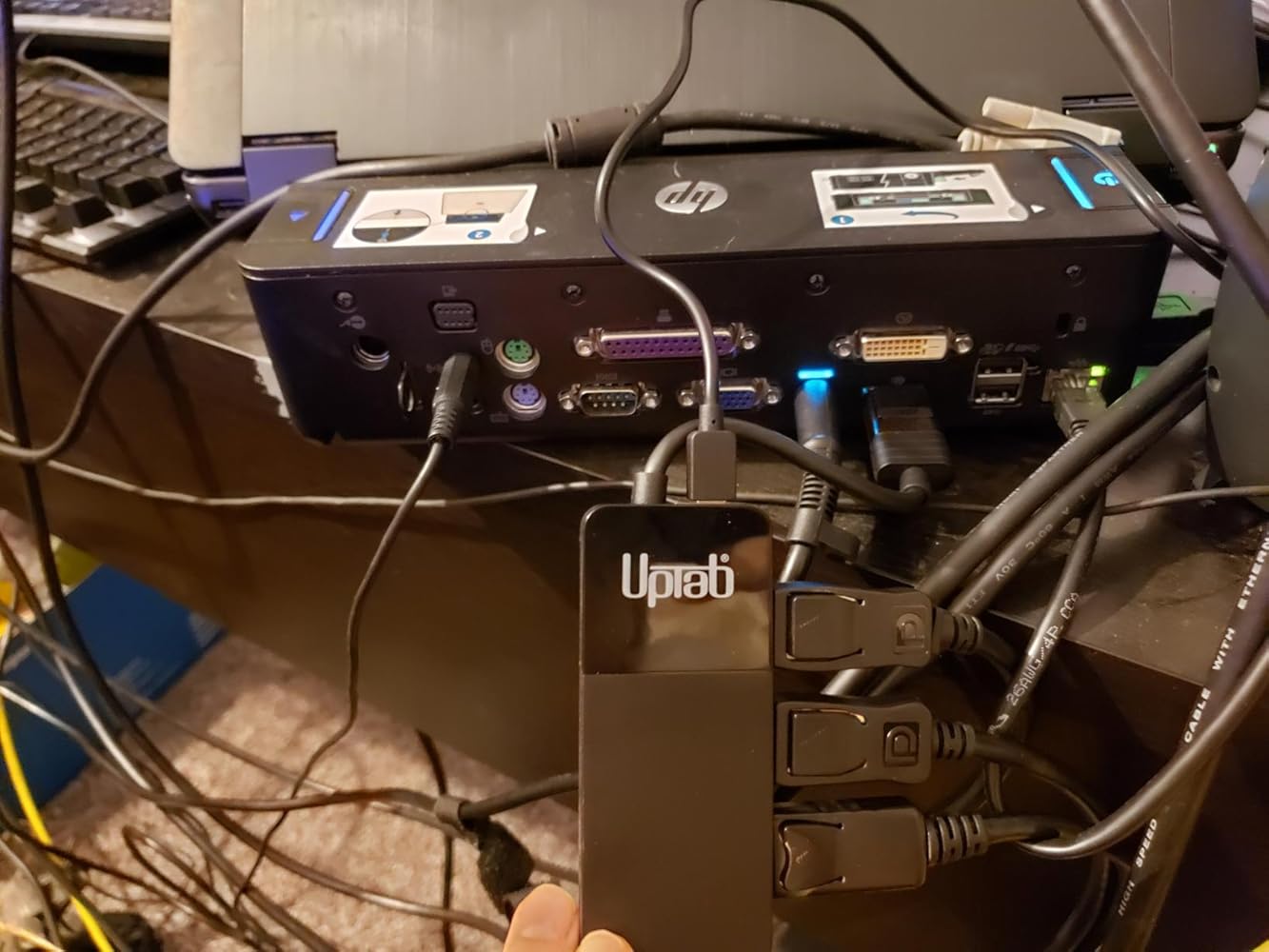
I needed something to connect 3 27" 1440p 144Hz monitors that I normally have connected directly to my desktop (2080ti graphics card) to a docking station for my work computer while I'm working from home. The 2080ti supports DisplayPort 1.4 while the docking station/laptop only supports 1.2 (HP Zbook 15 G2) so I wanted something that would work for both. This was the cheapest I could find that supports DP 1.4 and has 3+ ports and so far it's working great.Some caveats that I've found is there are some limitations for both computers. On the laptop I can do two monitors at 1440p @ 60Hz and the third at 1080p @ 60Hz. This is purely a limitation of the computer/docking station though because I can run all 3 at 1440p on the desktop. However on the desktop I can only run them up to 120Hz, and I can't run all of them that high. It seems I can run 1-2 at 100 or 120Hz and the third at 60Hz.I was also having some issues with screens flickering and green/red dots moving around the screens in dark areas, but that was only on the laptop. After blowing out the docking station a little and plugging the connector back in a few times it seems to be working fine. I also wasn't able to use a USB port on the docking station to power it, but using a USB port on the laptop itself, a charging brick, or a USB port on another computer worked without any issues. I suspect this is because of how the USB ports work on my docking station with a keyboard and mouse already connected.Even though I've only been using it for a week or so, I would highly recommend this hub over spending 2-3x as much on a new docking station with 3 DisplayPort connectors or buying a similar 3-port hub locally.
At first it was working terribly, slowing my computer down and preventing it from waking from sleep. Then I updated my graphics card driver and it works just fine :)I'm running 3x 1080p monitors at 60hz with a GTX 1050 ti.-----------------Update: stopped working after 3 months, when I moved my computer to a different room. Apparently it broke from gentle handling, because no settings changed, and I confirmed that the power cable still worked.
So far so good. Been using about a month and it works as expected
Two Samsung C32H711 32-inch curved monitors running at 2560 x 1440 60Hz on Linux Ubuntu 16.04 LTS with AMD video drivers working perfectly. Preparing to add to 2 additional monitors (similar spec) and this additional DP MST Hub. To install the DP MST hub I just powered down, plugged in its USB power supply into the PC, plugged in the MST hub, powered up and all is well.
This doesn't always work. Sometimes I can view two monitors sometimes only one. Never can I see all three monitors.
Nice one, works perfectly.
Works great with my computer monitor set up. Simple, easy, gets the job done with no issues as of present.
This is a must if you have three monitors
The product works great. I'm currently running 3 1080p monitors (2x60Hz & 1x144Hz) with absolutely no issues. Thank you.
It works great! I have no problem with it. It uses a usb to mini-usb to power it on. So if it is not working for you, check to make sure its plugged in.
Splits the signal into 3x so 144 hz divided into 3 is what you get from each plug (48 hz) which is useless if you want your monitors to run at least 60hz which makes this total garbage to me .
Despite what description indicates - if you have two displays they will each top out at 30Hz.Others have noted the same thing, but it's important to pile on until they correct the description.
With everything going on I had started to work from home and was sent home with my work computer and one monitor. I decided to use that monitor in addition to my own - which was fine for the work computer but my home computer had one displayport output. I grabbed this hub (after making sure my video card could handle it) and within 10-15 minutes had a working dual monitor system on my home computer as well. It's been several weeks and no issues yet!
I changed out to a new desktop computer and the only output for a monitor was a single DisplayPort 1.4 outlet. I wanted to use two monitors in extended mode, and this hub did the trick. I can't say anything about how it works in the long term, but right now it is working perfectly.
I have triple 1440p 144Hz monitors with RTX 2080. It works as promised. I was able to run all three at max resolution with 144Hz using extended display. I have both left and right monitors connected to the splitter in my case.Also, I use 4th single monitor for productively and playing FPS games. My hope was to have all 4 monitors using DP and to seamlessly switch between the single monitor and the triples. I was able to do that for the most part. I did have several instance where the side monitors would flicker off & on and required a restart.Unfortunately, I could not get Nvidia Surround working using the DP splitter. I play a couple of racing titles require running Nvidia surround. I tried making a custom resolution but it caused my computer to restart unfortunately. I know I have an extreme setup so I that's why I gave it 4 stars. It should probably be fine for just extending/duplicating displays as described.
Works at it should and as expected
满 50 美元免运费
大多数订单当天发货