

产品详情
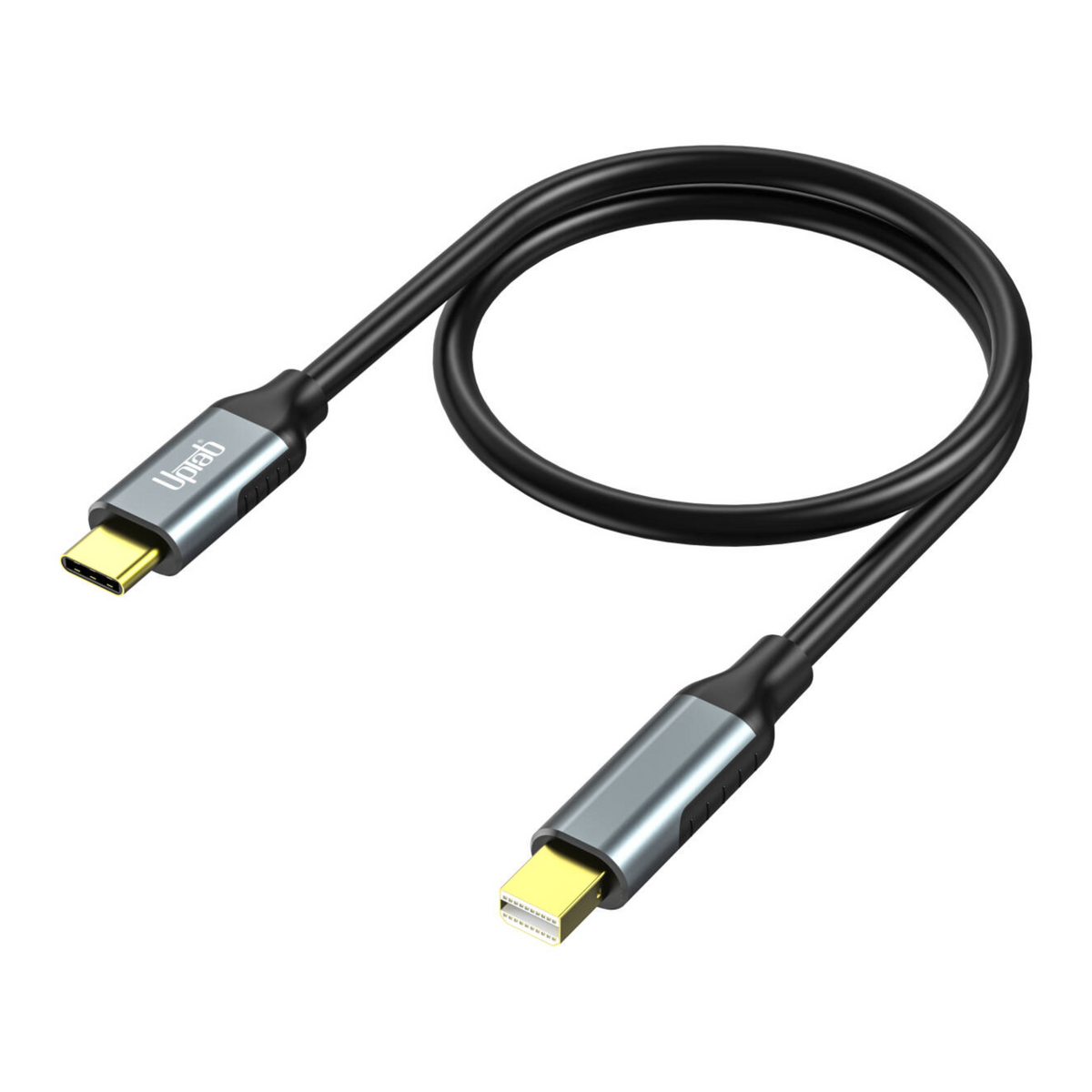
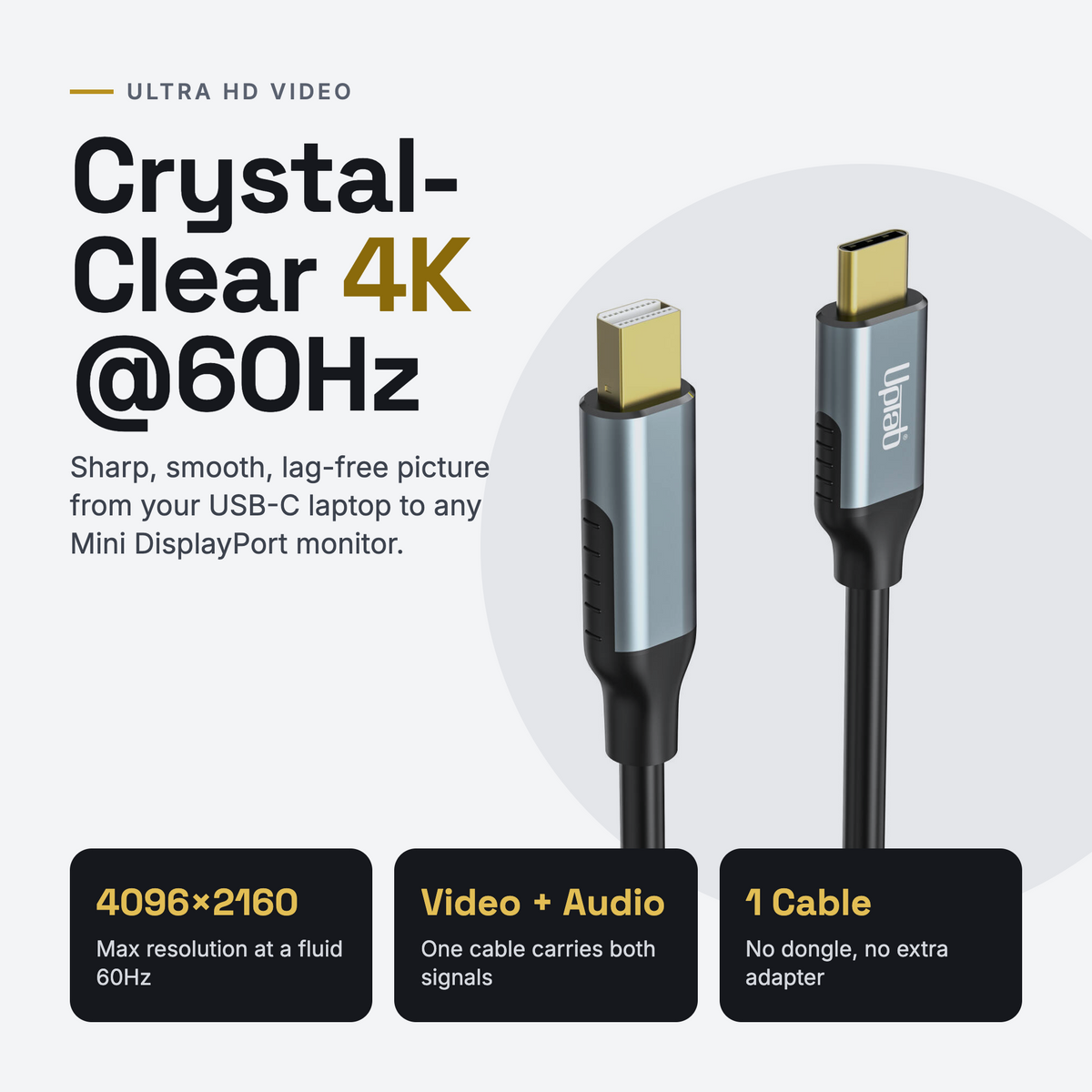
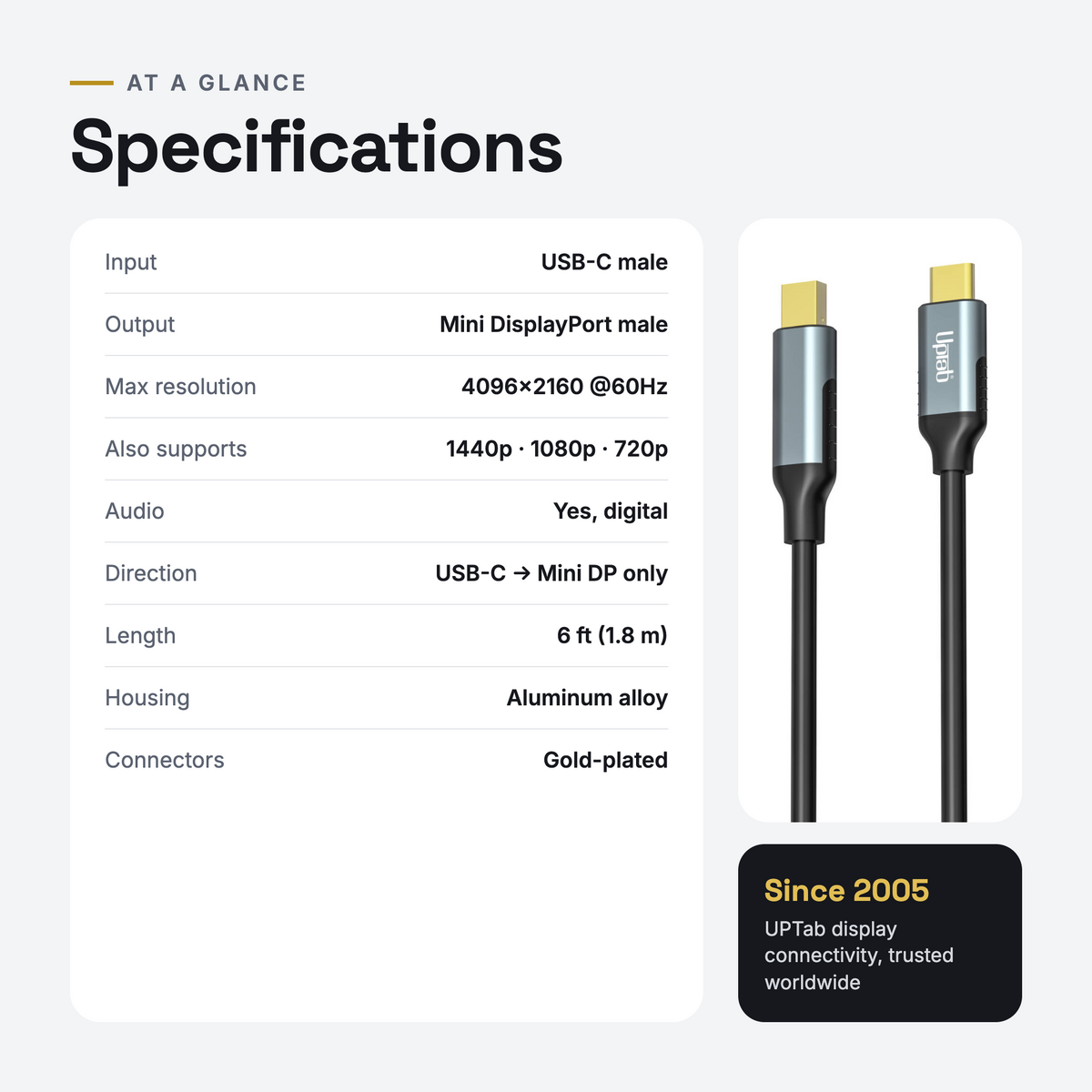
使用 UPTab USB-C 转 Mini DisplayPort 电缆将您的 USB-C 笔记本电脑直接连接到 Mini DisplayPort 显示器。 It gives you 4K resolution at a smooth 60Hz, plus digital audio, over one 6 ft cable, so your desk has no adapters or dongles cluttering it.
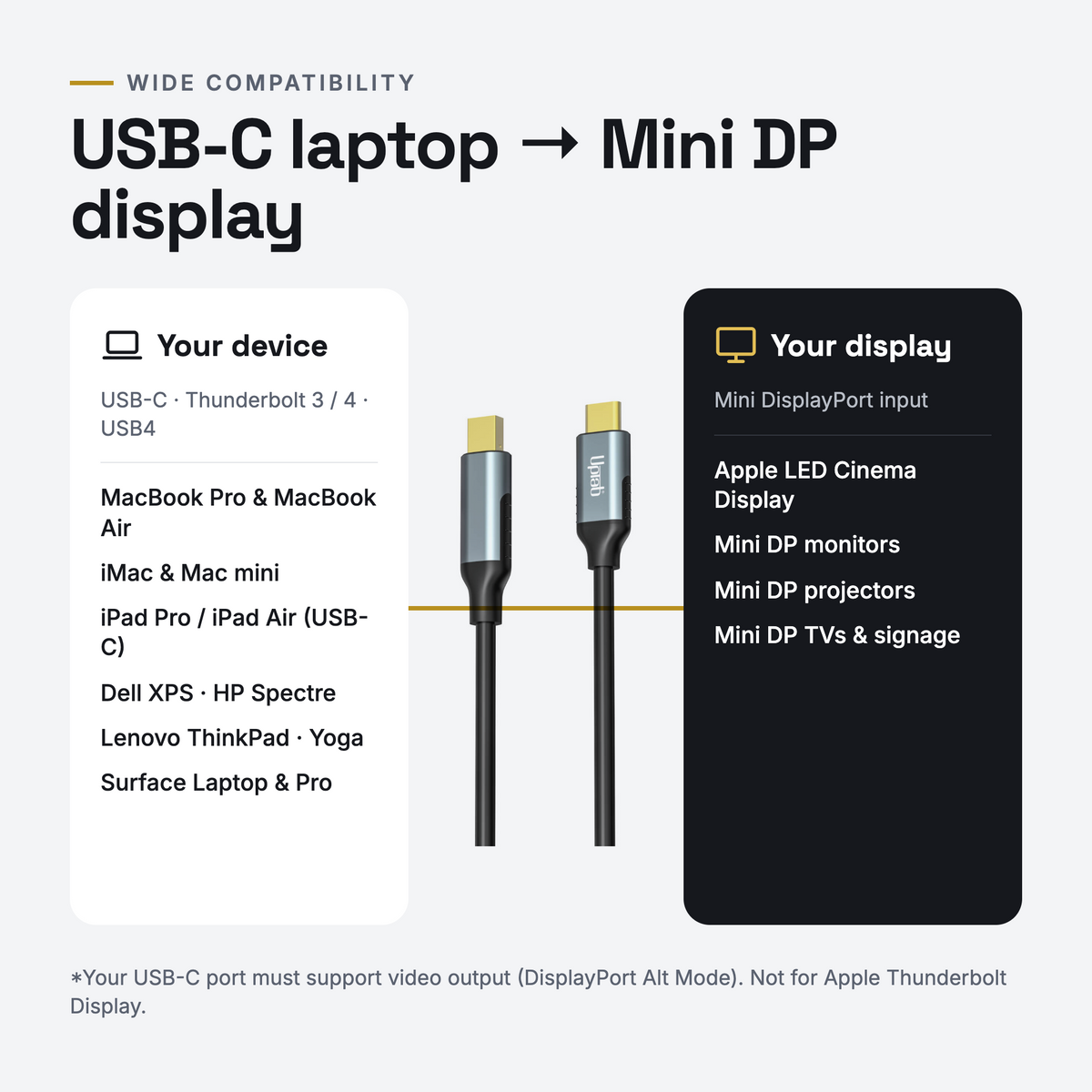
The cable is made for professionals, students, and home offices. It works with USB-C, Thunderbolt 3/4 and USB4 devices that support video output, including MacBook Pro, MacBook Air, iMac, Mac mini, iPad Pro and many Windows laptops. Plug it into a Mini DP monitor, projector or the Apple LED Cinema Display to mirror your screen or extend your workspace for presentations, editing, coding or multitasking.
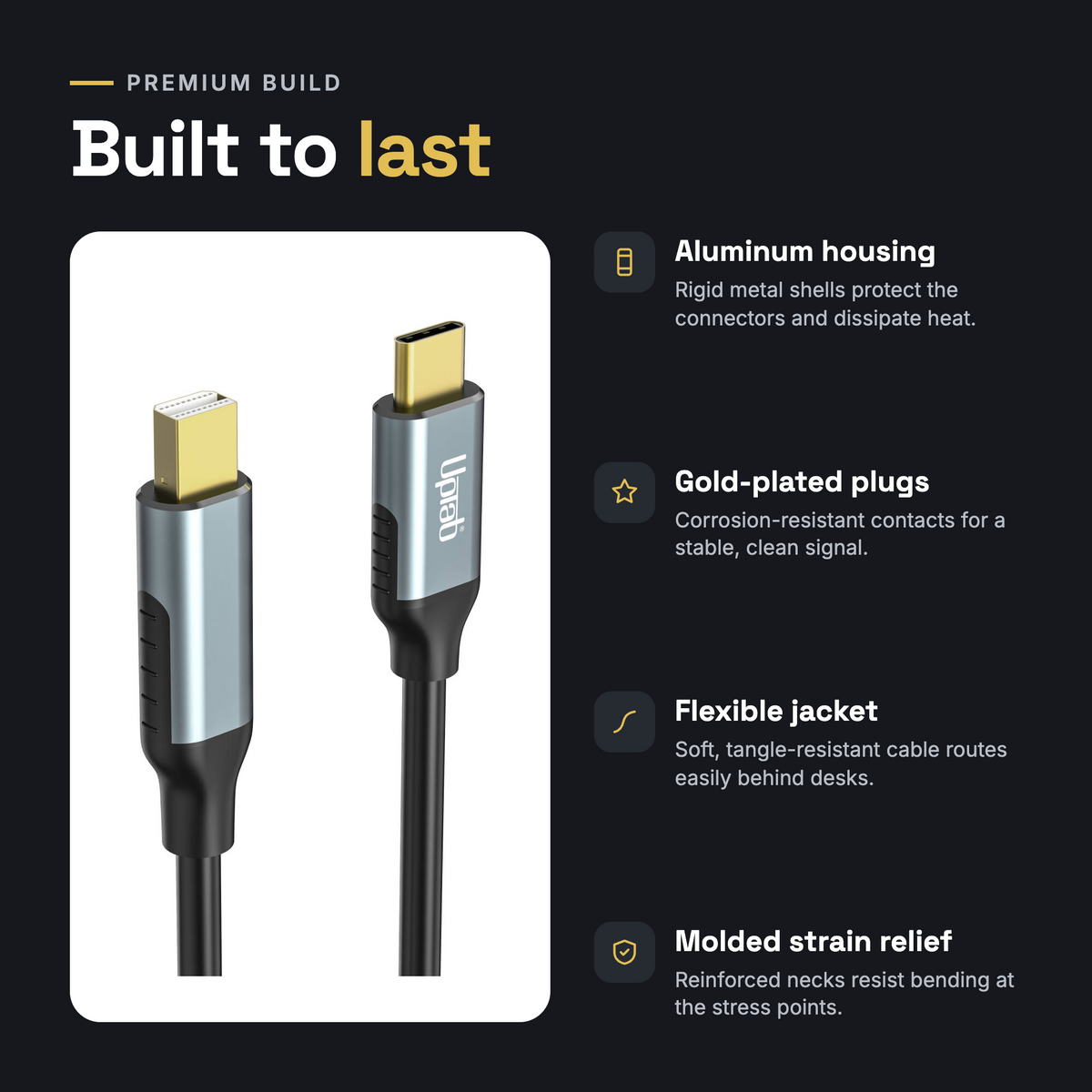
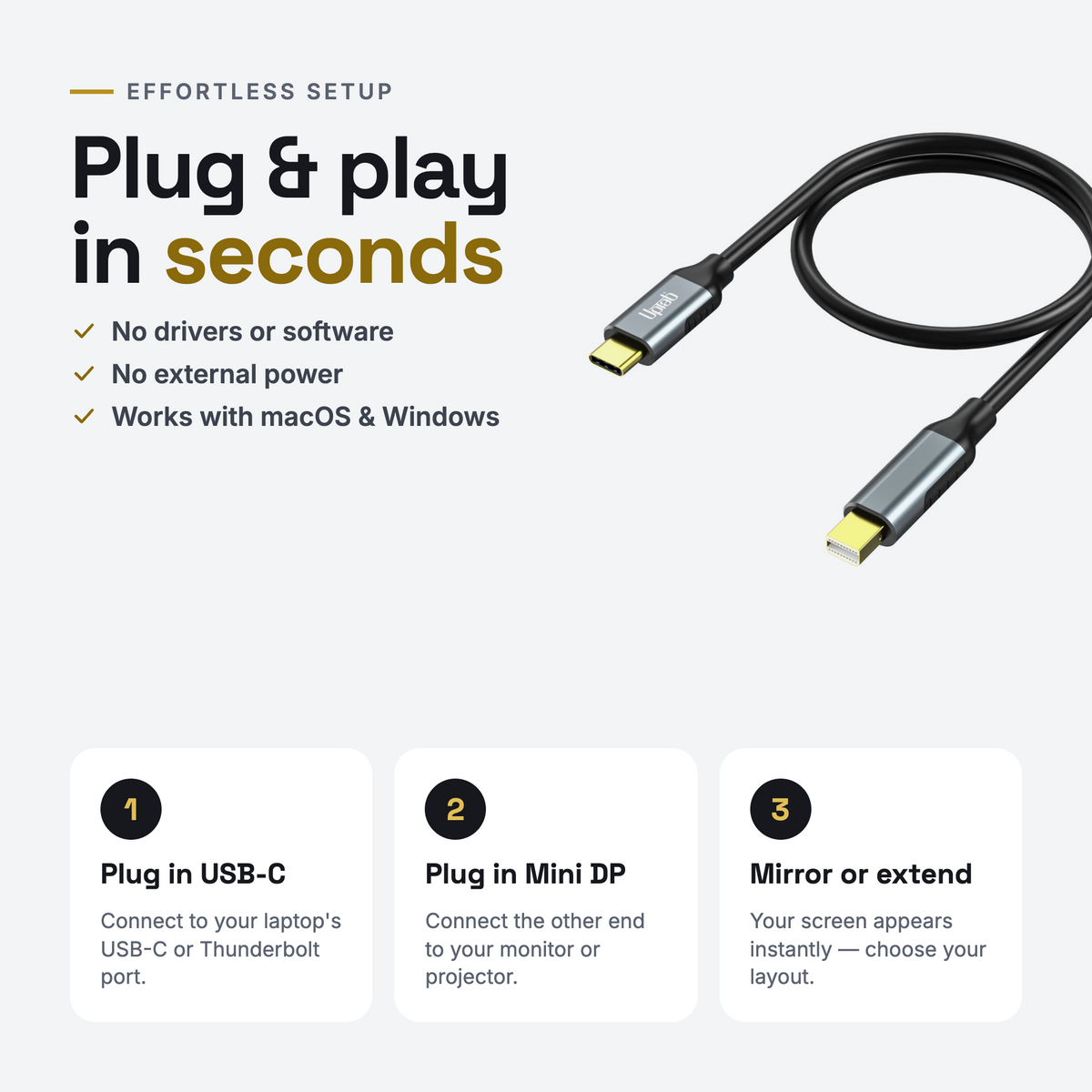
Each cable has aluminum connector housings, gold-plated plugs, a flexible tangle-resistant jacket and reinforced strain relief, so it holds up to daily use. Setup takes seconds: plug in both ends and your display turns on, with no drivers or power needed.
亮点:
- 小型、紧凑的设计
- 光滑的石墨色
- 自供电——无需外部电源
- 连接至 Mini DisplayPort
- 铝制外壳——散热极佳
- 支持 60Hz 分辨率的超高清 4K
- 兼容 Apple MacBook、Google Chromebook Pixel 等
- 包括带有内部 SPI ROM 的片上微处理器
- 支持内容保护格式 HDCP 1.4 和 HDCP 2.2
- 带片上按键的 HDCP 1.4 和 HDCP 2.2 中继器功能
- 支持 TMDS 加扰以减少 EMI/RFI
- 支持SCDC(状态和控制数据通道)
- 音频支持多达8通道LPCM
兼容设备:
- 苹果 MacBook Pro 2016/M1 及更高版本,包括新的 14/16" M4 专业版和 M最多 4 个
- Apple MacBook Air 2018 及更新机型
- Apple iPad Pro 2018 及更高版本
- Apple iMac 2017 及更高版本
- Apple Mac Mini 2018 及更高版本
- 苹果 Mac Pro 2019
- 带 USB-C 的 Android 智能手机和平板电脑
- 谷歌像素
- 配备 USB-C 的 Google Chromebook
- 配备 USB-C 的联想笔记本电脑
- 带 USB-C 的 HP 笔记本电脑
- 任何配备 Thunderbolt 3 的计算机
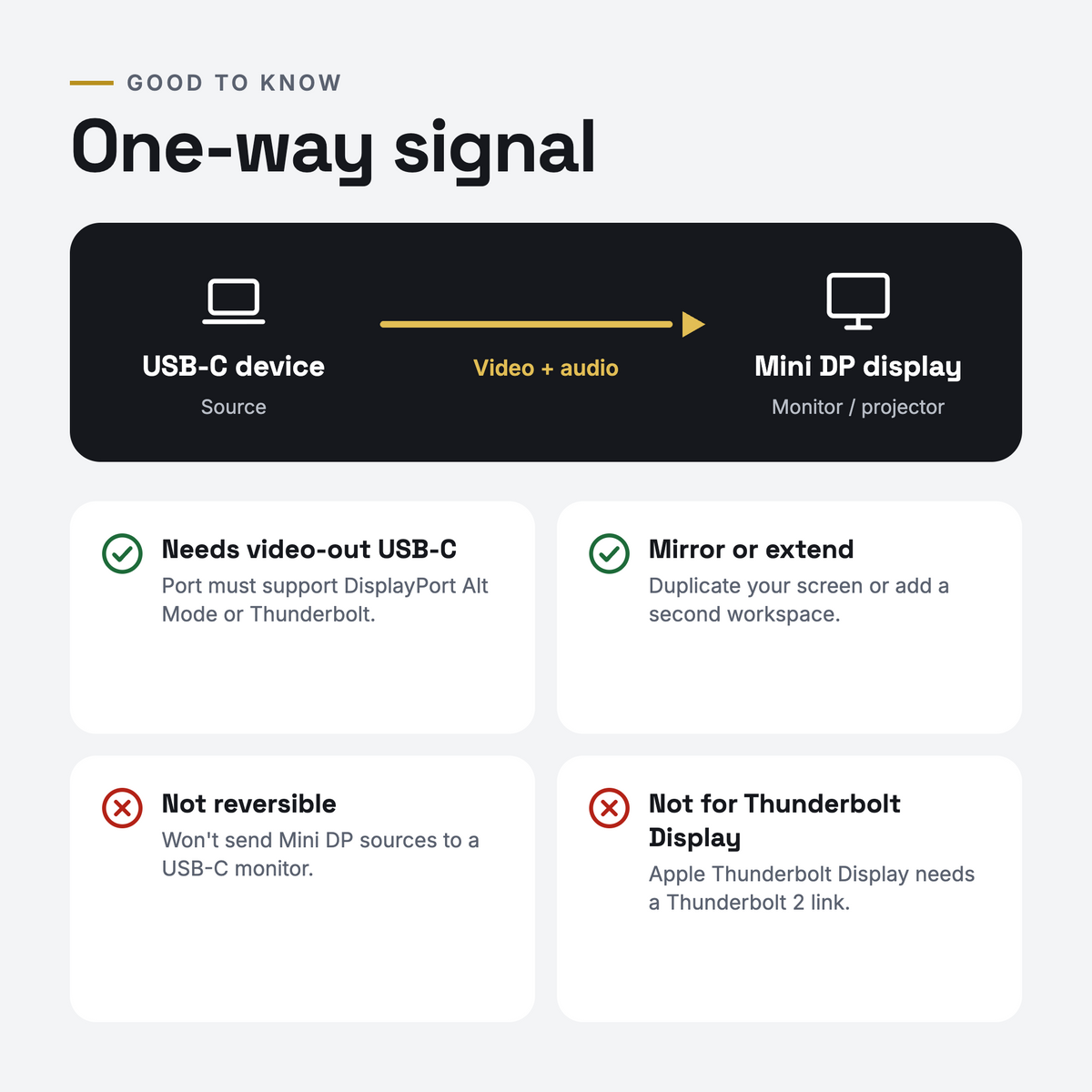
Can only convert signal from USB-C (Type-C) to Mini DisplayPort.这不是双向电缆。 This Cable is NOT compatible with Intel Thunderbolt 2. Before you purchase this adapter, please make sure your Device (Computer/Tablet/smartphone) supports HDMI/DisplayPort Alt Mode Over USB Type-C.
了解如何确定您的 Apple 显示器是否使用 Mini DisplayPort 还是 Thunderbolt、哪些 Apple Cinema Display 显示器兼容,以及如何使用以下连接器将它们连接到现代 USB-C 和 Thunderbolt 笔记本电脑 UPTab USB-C 转 Mini DisplayPort 适配器
如有任何疑问,欢迎随时联系我们。我们将在工作日24小时内尽快回复您。
-
运输信息
我们大多数订单都会在当天处理并发货。配送时间会根据您在结账时选择的配送方式而有所不同。请确保您的收货地址准确无误,以免延误。
-
客户支持
我们的团队随时为您提供帮助!如有任何疑问或需要帮助,请通过电子邮件或联系表格联系我们。我们会尽快回复您。
-
常见问题解答
我的订单什么时候发货?
大多数订单当天即可处理并发出。送达时间取决于您在结账时选择的配送方式。
你们的退货政策是什么?
商品可在30天内退回,但必须保持原包装,并包含所有配件。 -
联系我们
有疑问或需要帮助?我们随时为您服务。
周一至周五上午 9 点至下午 5 点(美国东部标准时间)提供客户服务
电子邮件: cs@uptab.com
电话:1 (877) 333-1505
或者使用我们的 联系表格我们会尽快回复。
Hi,I have used UPTab USB-C to Mini Display Port Adapter with my old Mac Cinema Display. It works fine but I have no sounds in Cinema Display speakers.:-(SynReginaldo
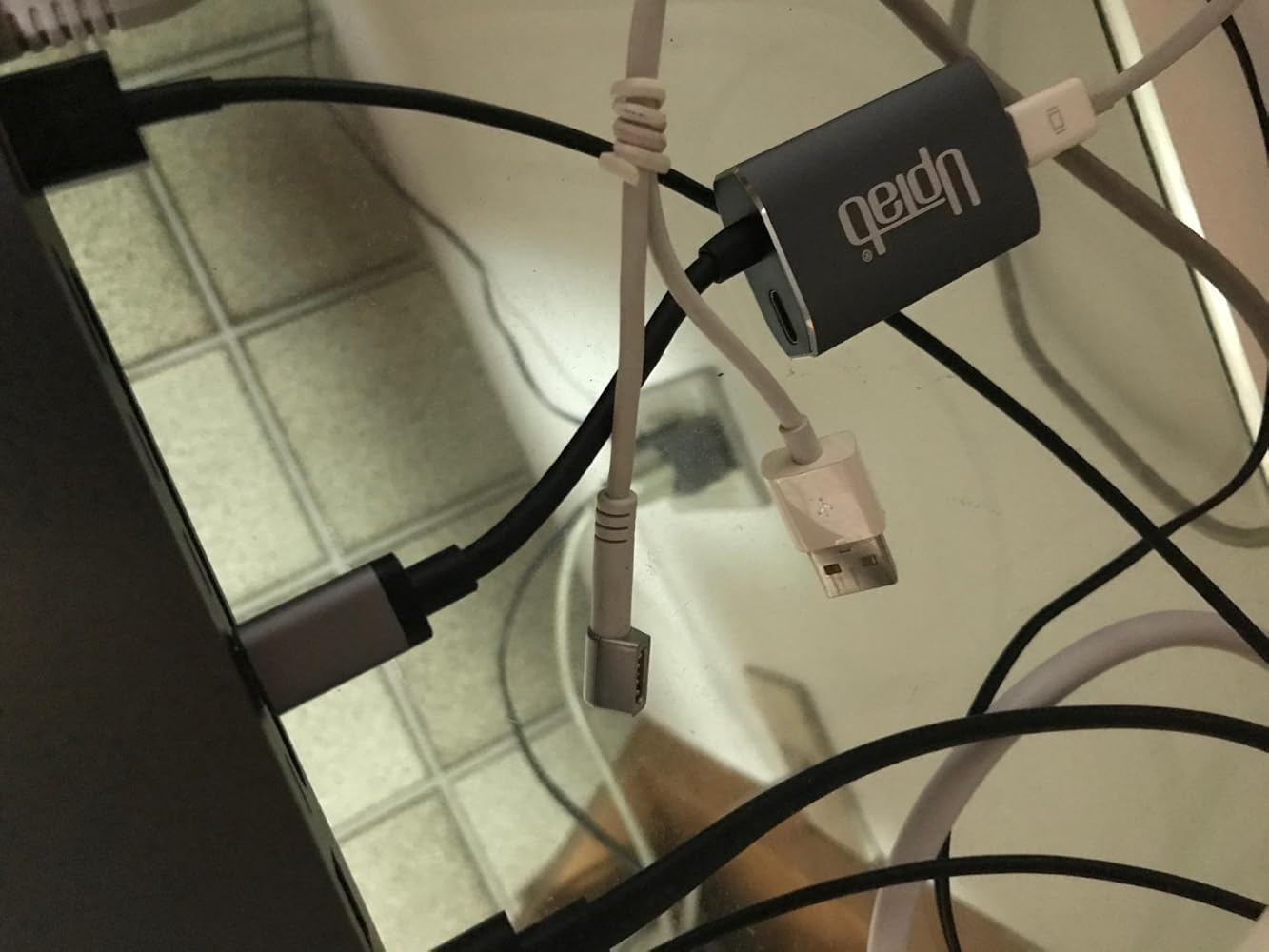
Let me first say that I'm using a 2017 Macbook Pro (thunderbolt 3) with a 2011 27-inch Cinema Display (mini displayport). These specifically are mentioned as being compatible with this adapter, and it works as advertised - see the picture (running Boot Camp / Windows 10).The description of this adapter very clearly states (and shows!) that it will work with the exact equipment I have - and it does. If you're using HDMI, DVI, 4K, LG, Dell, etc....I really have no idea about that, so good luck!
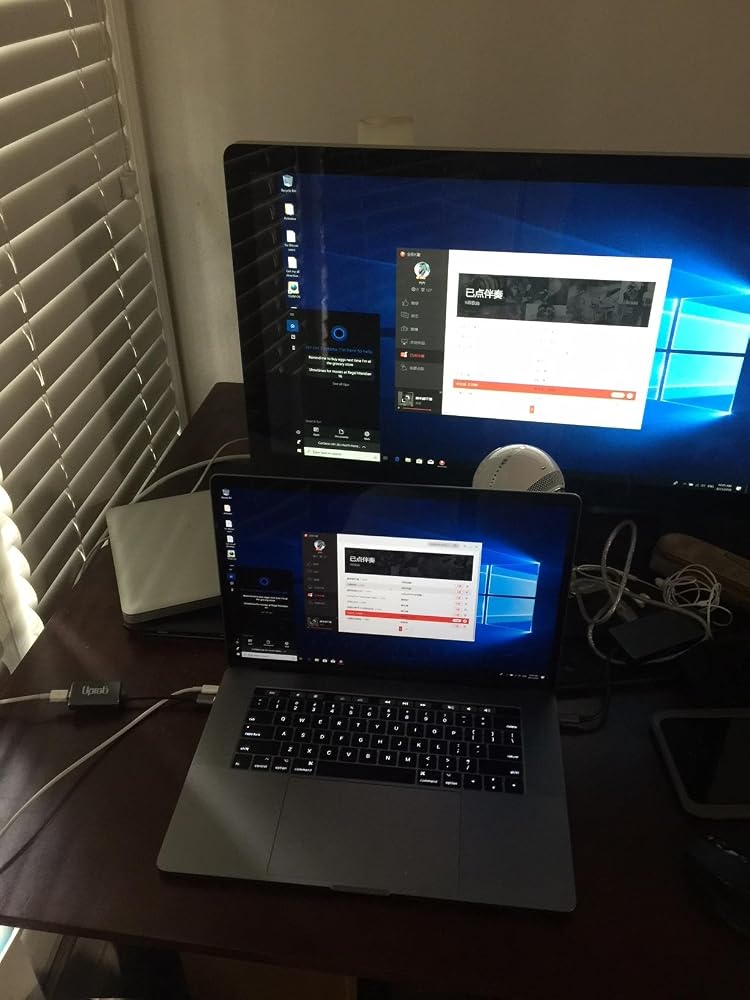
Faulty adapter, but a good resolution.
Toimii! It works!
I picked up two USB-C to Mini DisplayPort Adapter 4K@60Hz - Graphites to use my 2-27" legacy Apple Cinema Displays on my new to me 2019 Mac Pro. Shipped quickly. Well packaged. Worked from first plugging them in. I have had them a few weeks now. There is the occasional flicker or banding, but I think it may be a video card issue, not the adapters. I haven't done anything intensive yet that would eat up video card memory and RAM, but the behavior fits more with those two possibilities. I would recommend these adapters to anyone who needs to add their legacy monitors to a more current Mac without giving it a second thought. Thank you, Uptab for a reliable and inexpensive product!
Doesn‘t work.
Adapter broke after six weeks, with both Amazon and the manufacturers offering no help with a replacement. Avoid this product and Amazon.
It worked at first and pleased about it. Now, not working at all. Bought it last Aug 5 and used it for some time (coz I really seldom use it! ) for my Mac mini 2 connected to an old Apple-led cinema display. I on the computer yesterday, monitor no picture. Tried to on it again today, still the same! Shocked that it is not working at all now! Within 2+ months after I ordered it, it didn't even last longer.
Didn't work. Like, at all. Computer doesn't even see the device.
I bought this 11 months ago and it has completely stoped working. I have bought a different model and it works perfectly.
Doesn't work.
Does not work with 2017 MacBook.
I purchased for my new MacBook Pro [2016 retina with USB-C] and it did not allow 4k video on my Dell P2715Q [2015] 4k monitor. Research before you purchase if you want 4K output.
didnt work .. i have everything right and dosnt work
My display is older -- and it has the square display port symbol, so I thought this UpTab would work. Nope. I even tried using it with a newer MacDisplay (2018 I think) and nothing. Super disappointed in the product, and that I missed the return time period. UGH!
NOTE: DOES NOT SUPPORT THE CAMERA IN THE APPLE LED CINEMA DISPLAY!!!
I'm using this adapter to connect to an Apple Cinema Display LED (27-Inch) (model A1316). On startup the monitor is not detected. Sometimes tapping the fingerprint scanner to put the machine to sleep and closing and reopening the laptop lid gets the monitor to be recognized. More often, 1 or 2 reboots are required before it is detected. Also, sporadically, when waking the laptop from screensaver, the monitor resolution is magnified even though the System Settings indicate the default resolution is selected. Choosing a different resolution and changing back to default does not resolve. It's been a disappointing and frustrating experience so far..
Didn't work with my good old (11 years) Dell 3007WFP and the original Apple Mini DisplayPort to Dual-Link DVI Adapter even though advertised as if it should work with active dual link DVI, which worked just fine on my old 2014 MBP.Returned it.Time to retire the old monitor, got me an Acer widescreen 38" inch now, better fit for the new MBP anyway.
I tried to save a few bucks and buy this adapter instead of the Apple brand, and unfortunately the power passing through the adapter was insufficient to power my raid (which is also direct connected to the wall). Once I purchased the Apple version, it booted up no problem. I should have known to stick to Apple !
Didn't make it to 2 years. All of a sudden just stopped working today. I didn't use this dongle daily so 2 years might be generous? Until it stopped working it did it's job well.
Bild wird übertragen. Ton nicht. Keine Helligkeitssteuerung.
Display colors are dim, hue is off, no brightness control. Maybe something is wrong with my copy. MacBook Pro 2021 into 27” LED Cinema Display.
Successfully connects a modern USB-C MacBook Pro to the 30” Apple Cinema Display (2560×1600) if using the genuine Apple Mini DisplayPort to Dual-Link DVI adapter. Maintains full resolution and stable signal with no flicker or artifacts. Unlike many USB-C to Mini DisplayPort adapters, this one properly supports the legacy DisplayPort 1.1/1.2 timing required by the Apple Dual-Link adapter. NOTE: The StarTech USB-C to Mini DisplayPort adapter (model CDP2MDPEC), while similar in spec, did not work in this setup. External USB power (5V 2A or higher) must be supplied to the Dual-Link adapter for the system to function. Confirmed working with macOS Sequoia 15.5 on Apple Silicon.
I don't write reviews but thought I must for this product. It does work. I does allow me to hook up my old Apple Cinema Display to my new MacBook Pro. I will give it that. But the auxiliary outlet has never worked. Also, the display doesn't always turn on when it should. I need to reboot it by unplugging/plugging it back in, Frustratingly so.
Adapter is able to connect to Macbook Pro M1 Max to Apple cinema HD 30 from 2008, using the apple double link DVI to DisplayPort adapter.
The adapter works fine with my 5th-generation iPad Air and a 24" Apple LED Cinema Display. It turned the older display into a nice setup for easier editing of my travel videos.
This worked great for my setup and it display images crystal clear. This worked for my 2019 Macbook Air and Apple Monitor. I plugged in my monitor to this adapter and the USB-C end to my macbook and it worked great !
I have a 2023 MacBook Pro 14" M2 and a 27" LED Cinema display and everything works great BUT I cannot adjust the brightness. And yes, I have both this adapter plugged into the mini display port and the USB plugged in from the Cinema display's 3-wire cable. I've also set the preference to manually adjust the brightness on my laptop to manual and it works fine on the laptop but has no effect on the 27" display. It's not the worst problem but I would like to lower the brightness at times.
Liked the power + video capabilities but after 6mos it failed both power and video.
I got this to use an older Apple Cinema Display with an M1 Max MacBook Pro since apples adapters don’t allow this to work and this adapter 100% got the job done.
满 50 美元免运费
大多数订单当天发货